on the TV and video camera. The video camera’s LCD screen turns black,
and the TV screen now performs as the camera LCD screen.
1.
Connect the video camera to a TV via the TV-out cable (supplied) .
2.
Turn on the TV and the video camera, and then set the TV to “AV”
mode.
3.
When the video camera is set to record mode, you can preview the
subjects you want to record on the TV screen.
4.
When the video camera is set to Playback mode, you can review all
the pictures, video and audio clips stored in the video camera on the
TV.
Connecting the Camera to a PC
There are two ways to download files from the video camera's memory
card to a computer:
!
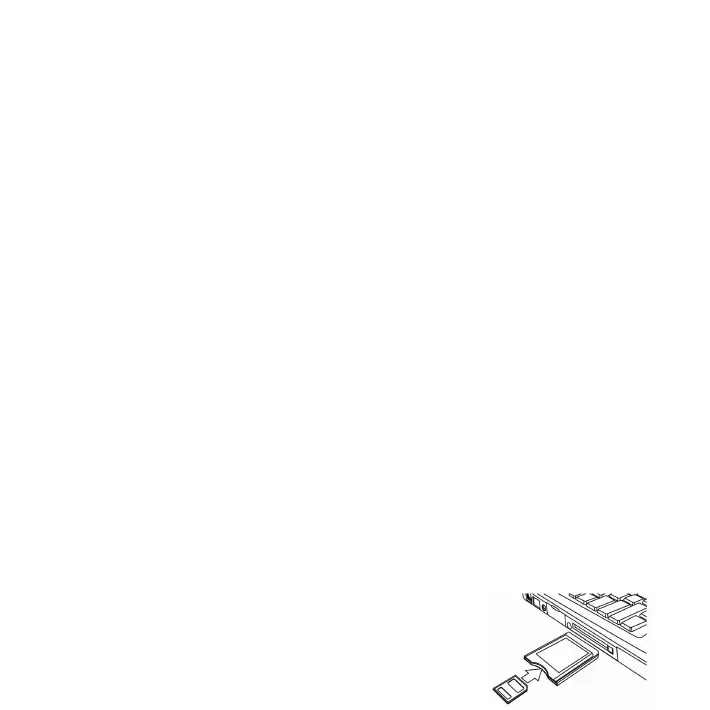
By inserting the memory card into a card reader
!
By connecting the camera to a computer using the supplied USB
cable.
11














 To Next Page