EasyManua.ls Logo

Eaton DPCT - Page 35

Eaton DPCT
64 pages
Print Icon
To Next Page IconTo Next Page
To Previous Page IconTo Previous Page
Loading...
27
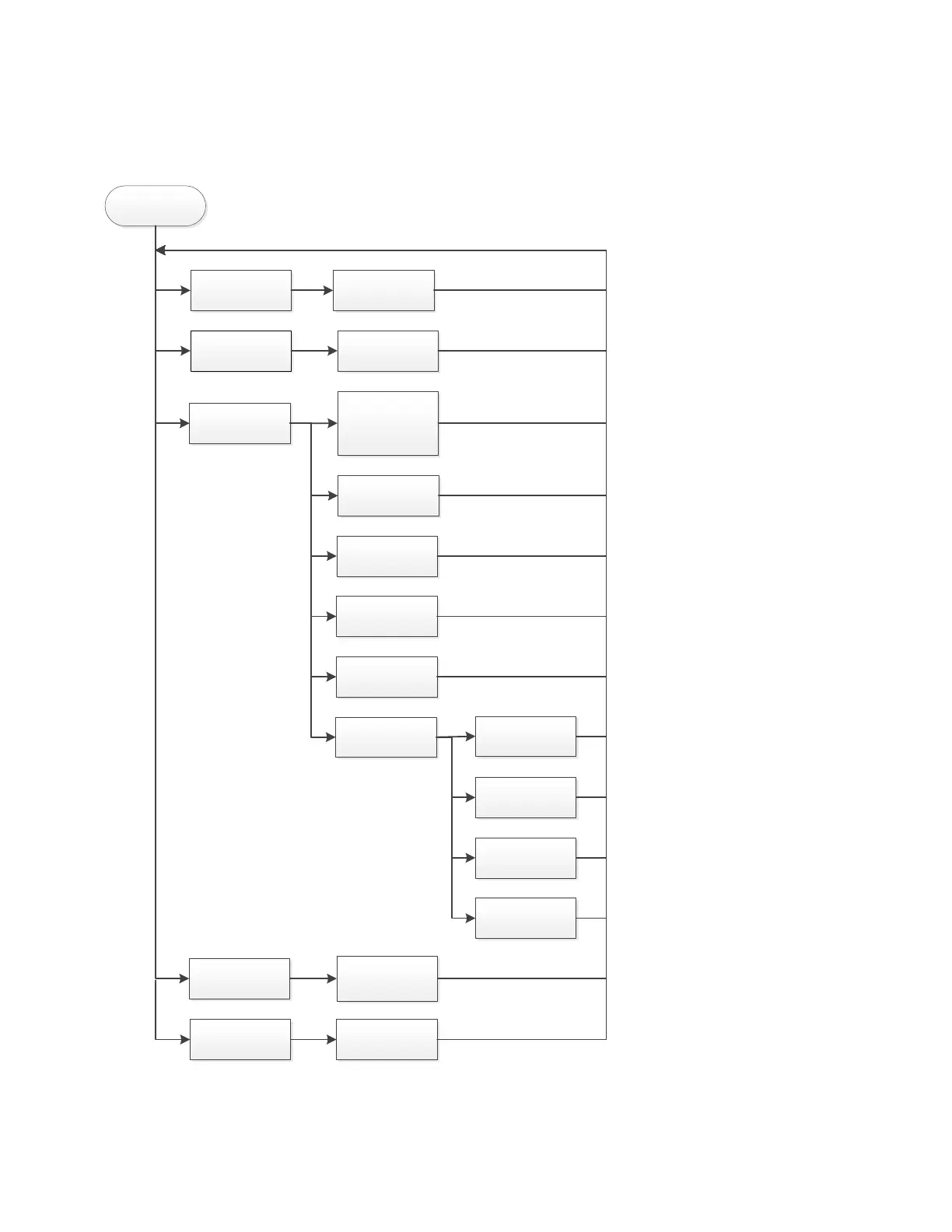
Appendix C (d): Panel setup tab menu structure continued
DPCT IOM INSTRUCTION OPERATION MANUAL MN124018EN January 2023 www.eaton.com
Appendix C (d): Panel setup tab menu structure continued
Panel Setup
Welcome Screen
Enable or Disable
Welcome Screen
Customer Service
Contact
Enable or Disable
Password for
Customer Service
Contacts
Update Firmware
Contact the
Manufacturer
Set Company
Name
Set Contact Name
Set Phone
Number
Set Email
Service Message
Trigger
Set number of
hours run
Set number of
motor starts
SEt specific Date
and Time
Enable/disbale
trigger Common
Alarm
Screen Lock
Enable or Disable
Screen Lock
Update Language Insert USB
ote: N Pressing the Back or Cancel button when available will return the screen to the previous option.

Related product manuals