EasyManua.ls Logo

Eberg HUMI - User Manual

Eberg HUMI
26 pages
Go to English
Print Icon
To Next Page IconTo Next Page
Loading...
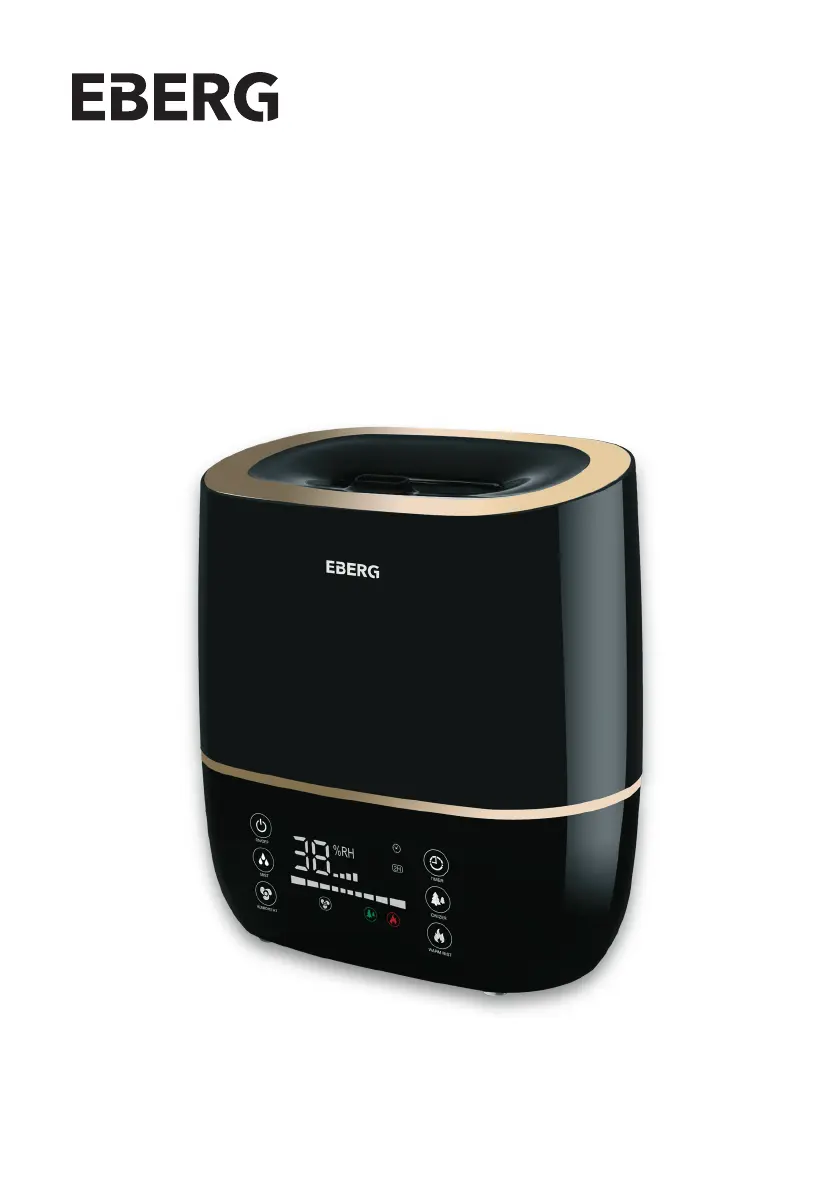
ULTRADŹWIĘKOWY NAWILŻACZ POWIETRZA
ULTRASONIC HUMIDIFIER
HUMI
Instrukcja obsługi
User manual

Other manuals for Eberg HUMI

Questions and Answers

  • A
    Amber BellAug 4, 2025
    What to do if the Eberg HUMI touch button is insensitive?
    • L
      Luis HerreraAug 4, 2025
      If the touch button on your Eberg Humidifier is not responding, it might be due to wet hands or pressing the button too quickly. Ensure your hands are dry before touching the button. Also, avoid pressing the button too fast; press it every 1 second.
  • K
    keithsarahAug 13, 2025
    What to do if the display is off and the humidification function does not work on my Eberg HUMI?
    • G
      Gregory JenkinsAug 14, 2025
      If the display is off and the humidification on your Eberg Humidifier isn't working, first, check that the power cord is properly connected. If it is, make sure you've pressed the power button to turn the device on.
  • J
    Jason BushAug 26, 2025
    Why control buttons do not respond on my Eberg Humidifier?
    • J
      Joseph ConleyAug 26, 2025
      If the control buttons on your Eberg Humidifier aren't responding, it might be because you're pressing them too quickly or with wet hands. Ensure your hands are dry, and try again. Also, avoid pressing the buttons too rapidly; wait about one second between presses.

Summary

General Safety Tips

Device Construction

Water Tank (Upper Part)

Details the components of the upper part of the humidifier, including the nozzle and handle.

Base (Bottom Part)

Illustrates the parts of the humidifier's base, such as the aroma sponge and control panel.

Fragrance Oils Tray

Explains how to add aroma oils to the designated tray for scent diffusion.

Technical Specifications

Directions for Use

Tips for Safe Use of the Appliance

Operating the Device

Control Panel Operation

Details the functions of each button on the humidifier's control panel for operation.

Remote Control Operation

Explains the functions of each button on the provided remote control for device operation.

Configuration of Wi-Fi Link

Mobile Application Setup

Download, register, and log in to the EBERG mobile app, ensuring device readiness.

Automatic Device Adding

Steps for connecting the humidifier to the app using automatic detection and pairing.

Manual Device Adding

Procedure for adding the humidifier to the app manually via Wi-Fi network selection.

Wi-Fi Connection Management

Covers indicator status, device searching, adding confirmation, resetting, and auto-reconnection.

Installation of the Descaling Filter

Cleaning and Maintenance

Storage

Troubleshooting

Utilization

Declaration of Conformity

Eberg HUMI Specifications

General IconGeneral
TypeUltrasonic
Capacity2.5 liters
FeaturesAdjustable mist output, auto shut-off, night light
Noise Level<30 dB
Weight1.2 kg