HOW TO USE
Make sure the batteries are placed correctly, making the"+/-" poles
of the batteries are corresponding to the"+/-"of the charger.
Charging status: Independently show the charging status of each
battery in the form of battery icon.
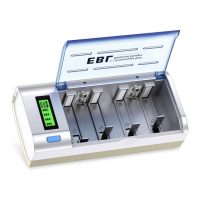
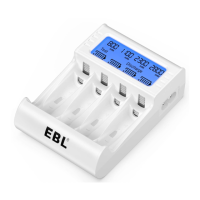
Smart LCD display:
1.
2.
3.
USE STEPS
04
Using Instructions:4.
LCD
Indicator
Keeping
Flashing
FullCharge
Status
Abnormal charging
(broken or
non-rechargeable
battery)
Charging
Charging
Process
Fully
Charged
1. When one battery is fully
charged, it starts showing
“Full”;
2. All the batteries are fully
charged, “Charge”
disappears, “Full” displays.


 To Next Page