2
3
05
Insert the battery, auto detect
Shows “Charge”
Battery bar displays by battery capacity
Enter Smart Charging
Shows “Charge”
Battery bars display by battery capacity and increase by grid
4
Finish charging
Shows “Full”
Battery bars are all full display
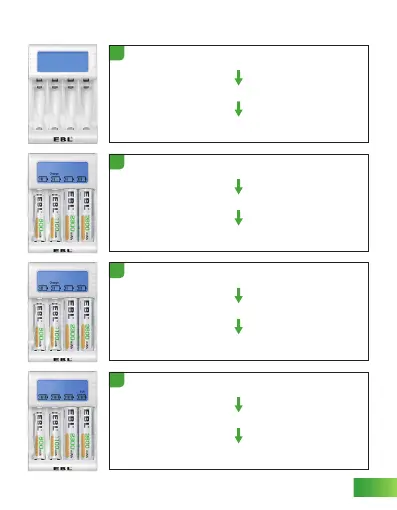
Plug in the AC cable and power on
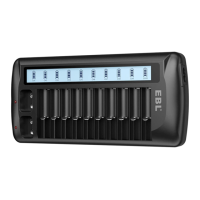
LCD screen lights up and shows every character on screen
Character disappears
1
CHARGE FUNCTION


 To Next Page