06
2
3
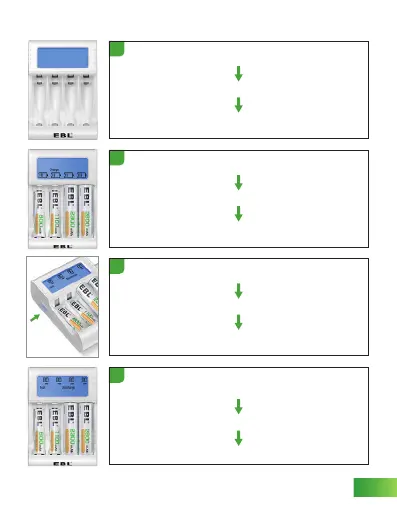
Insert the battery, auto detect
Shows “Charge”
Battery bar displays by battery capacity
Touch button (short press 1s)
“Test” keeps flashing, “Discharge” displays
Battery capacity displays "0mAh"
4
Discharging, measuring the current
capacity of the battery
“Test” keeps flashing, “Discharge” displays
Capacity increases gradually in units of 10mAh
Plug in the AC cable and power on
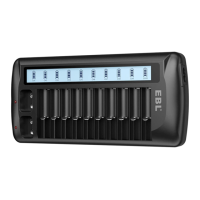
LCD screen lights up and shows every character on screen
Character disappears
1
DISCHARGE FUNCTION
Button


 To Next Page