07
2
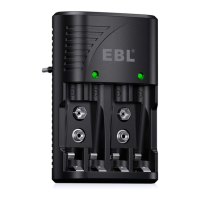
Insert the battery, auto detect
Shows “Charge”
Battery bar displays by battery capacity
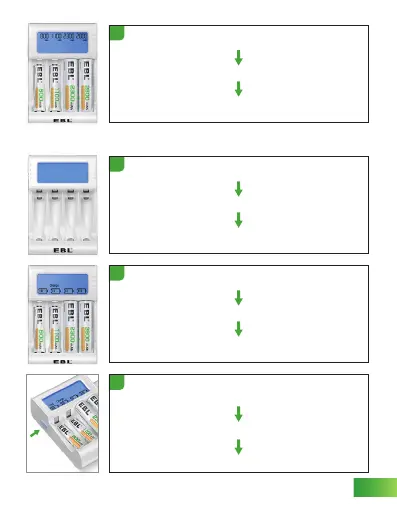
Finish discharging(Current capacity test)
“Test” & “Discharge” disappear
Display the current capacity of the battery, such as "1100mAh"
5
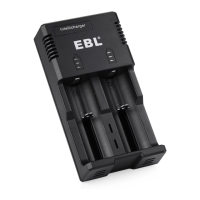
Plug in the AC cable and power on
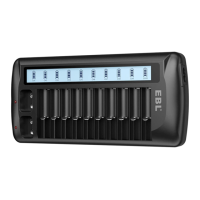
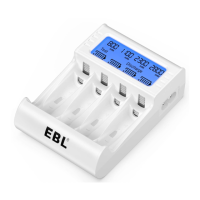
LCD screen lights up and shows every character on screen
Character disappears
1
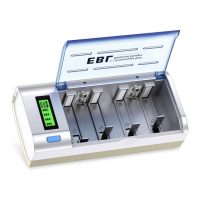
Long press the button 3-5s enter battery capacity test function
(The second long press 3-5s return to “Charge” )
“Test” keeps flashing, “Charge” displays
Battery bars display by battery capacity and increase by grid
3
BATTERY CAPACITY TEST FUNCTION
Button


 To Next Page