26-3-2013 5 ebode BTS21
6. Pairing your Bluetooth devices
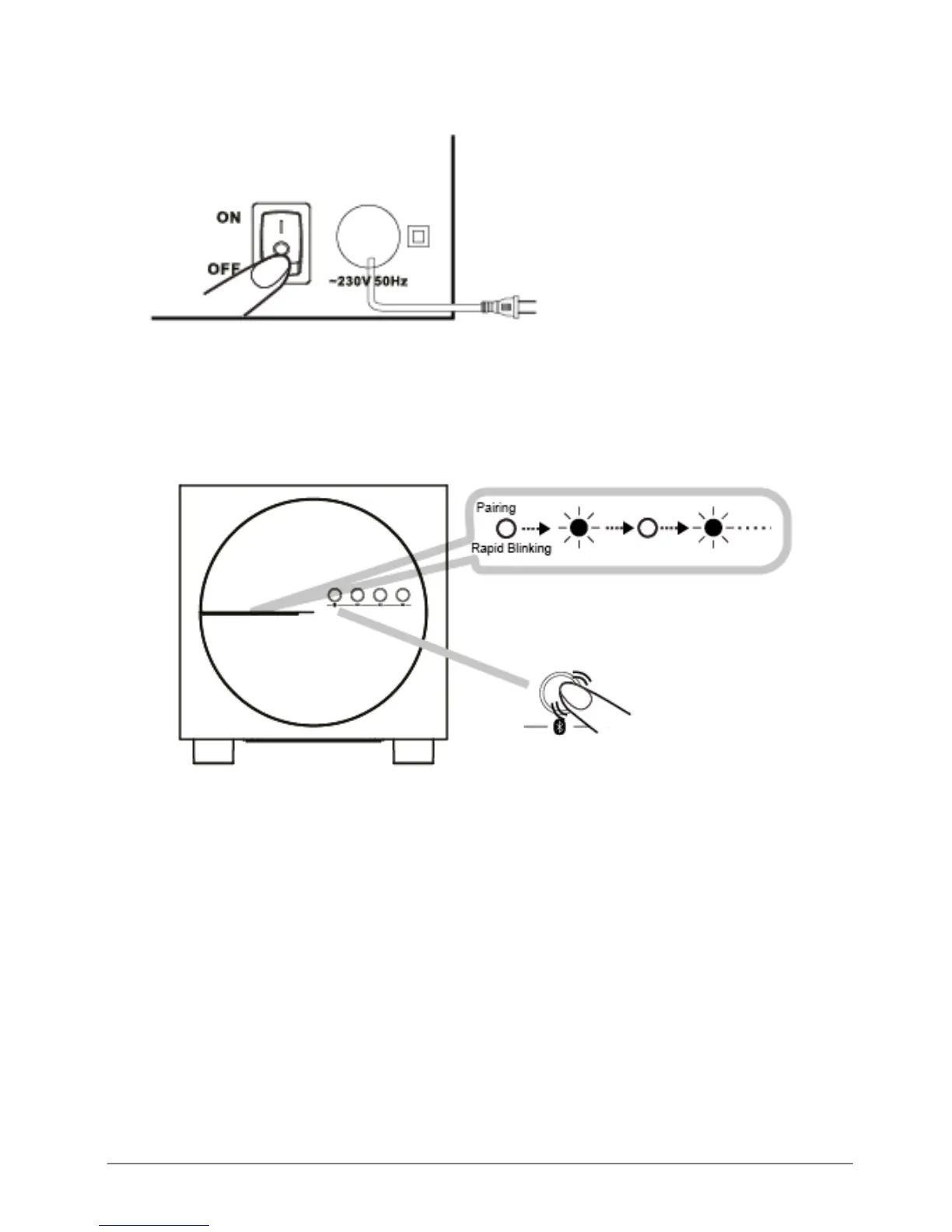
A. Power up the subwoofer with the ON/OFF switch on the back.
B. Open Bluetooth on your laptop, smartphone etc.
The Power LED on the subwoofer must be lit, indicating the speaker is currently ON. To
allow pairing to your Bluetooth device, press and hold the Bluetooth connect button (9) for
about 3 seconds. Release the button when 2 beep tones are heard and the status LED is
blinking rapidly.
C. Search for BTS21 on your laptop, smartphone etc.
D. Once your Bluetooth device has found the BTS21 connect to BTS21. If a pass code is
required, please enter 0000.
E. If Pairing is successful you are ready to stream and listen your music via the BTS21.



 To Next Page