September 2012 IPV6820
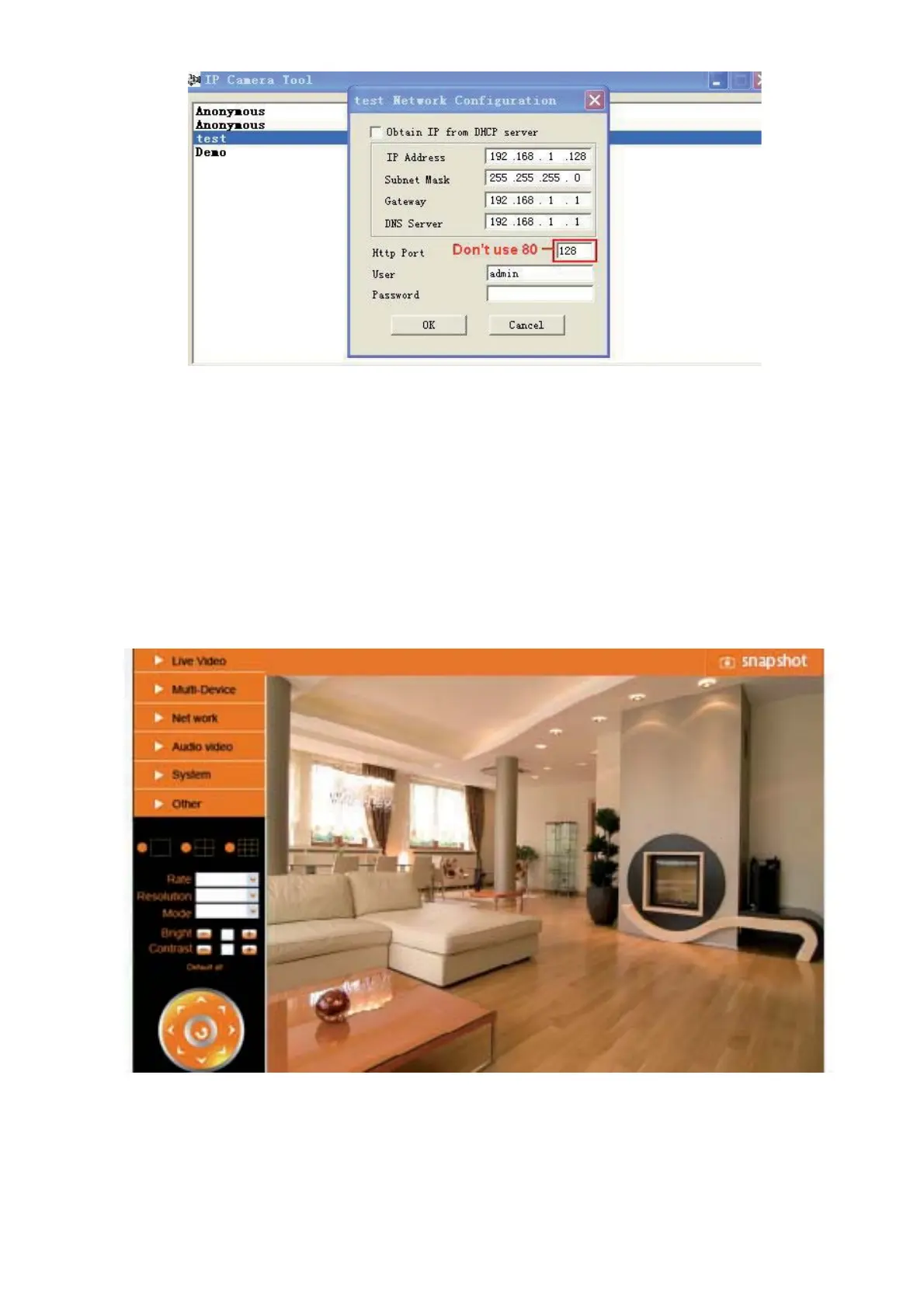
Figure 3.2
NOTE: Make sure that your firewall or anti-virus software doesn’t block the software or ActiveX. If you couldn’t
see live video, please close your firewall or anti-virus software, and try again.
2.4 For Safari, Firefox, Google Browser
Choose Server Push Mode (For Safari, Firefox, Google Browser), and sign in.
Server Push Mode doesn’t support ActiveX, so some functions are not available, such as Play, Stop, Record,
Audio, Talk etc. if you want to use these functions, please use IE browser.
Figure 3.3
2.5 For Mobile Phone
Choose Sign in mobile phone, and sign in.


 To Next Page
 Loading...