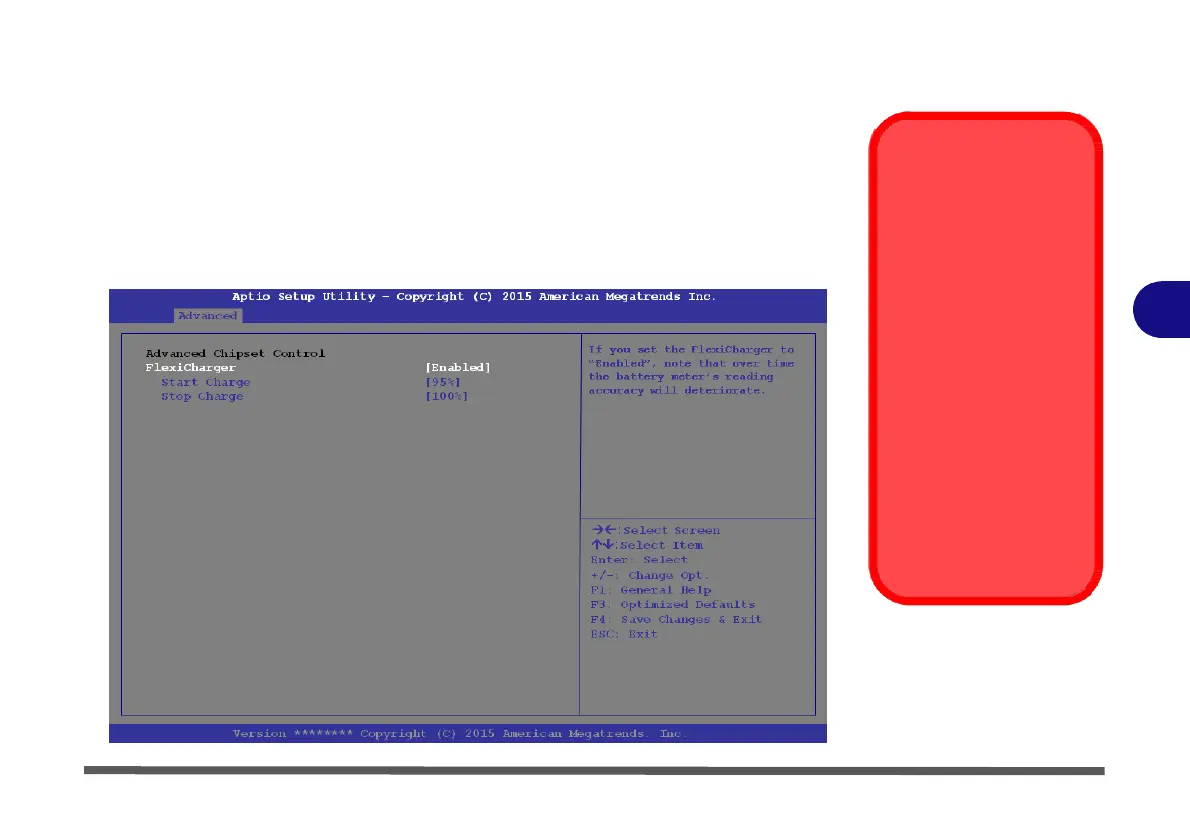
FlexiCharger (Advanced Menu > Advanced Chipset Control)
The sub-menu here allows you to
enable/disable
the
FlexiCharger
.
The FlexiCharg-
er may be set to automatically start charging your battery when the battery reaches
a certain capacity level (e.g. you could start the battery charge level at 40%).
See the sidebar
warning
for
information
on running the
FlexiCharger
for an ex-
tended period as this is not recommended.
FlexiCharger
Warning
If you leave the FlexiCh-
arger continuously "En-
abled” for a period of
three months or more,
5
the battery meter's read-
ing accuracy will deteri-
orate.
To reset this, set the
FlexiCharger to "Dis-
abled", and then allow
the battery to completely
discharge (see “Battery
FAQ” on page 3 - 21)
before enabling the
function again.
Figure 5 - 4
Advanced
Chipset
Control
>
FlexiCharger


 To Next Page
 Loading...