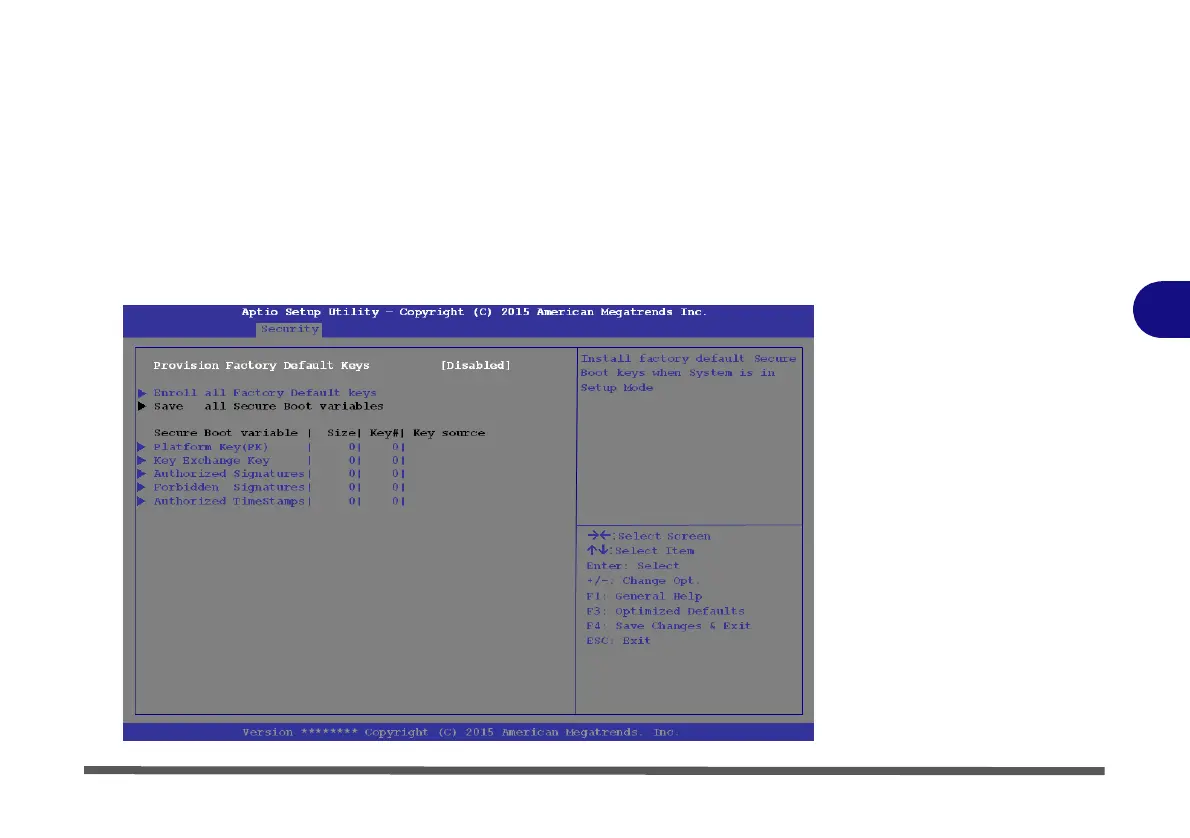
Secure Boot Control (Security Menu)
Secure Boot Control prevents unauthorized operating systems and software from
loading during the startup process. Secure Boot is available as a menu option if you
have enabled UEFI Boot (see “Boot Menu” on page 5 - 15). Enabling Secure Boot
will bring up the Secure Boot Mode menu to enable you to configure Secure Boot
as Standard (with a fixed secure boot policy), or Custom (which enables you to
make changes to the Key Management database).
5
Figure 5 - 6
Security
-
Secure
Boot
(Key
Management)


 To Next Page
 Loading...