5
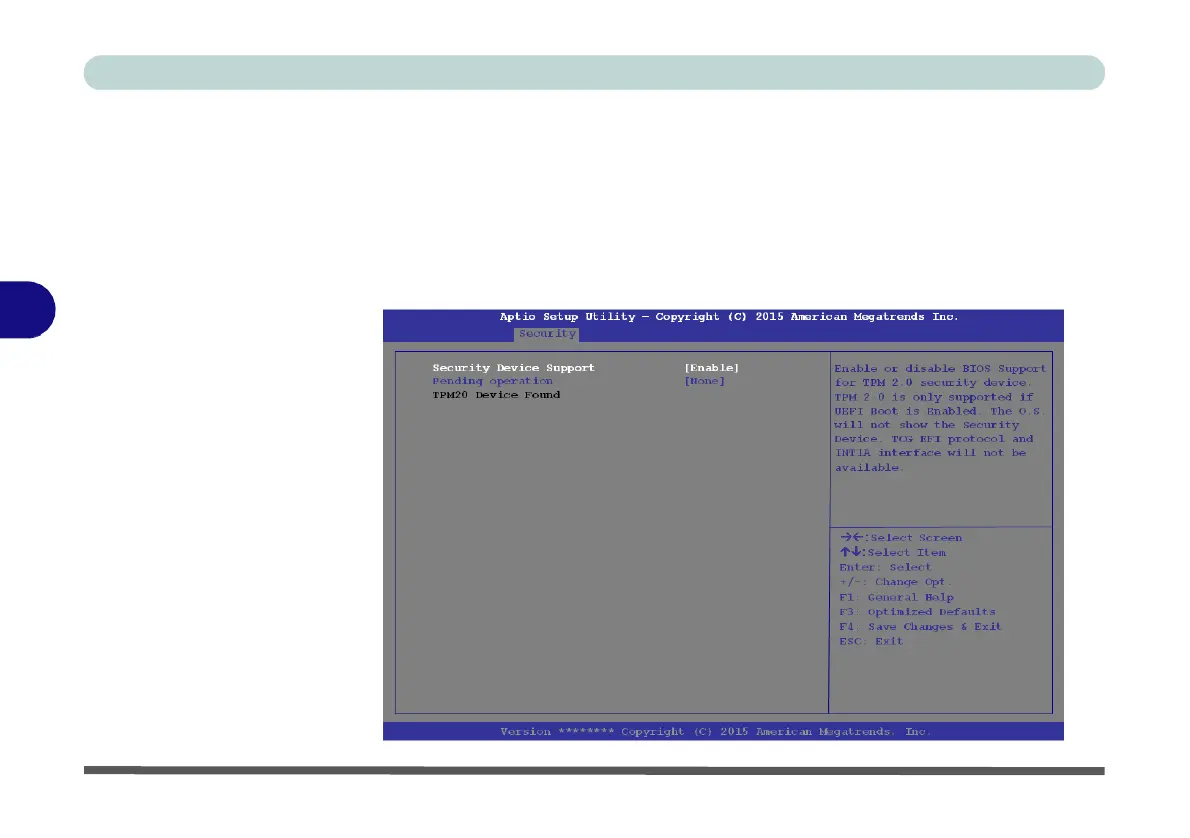
Figure 5 - 7
Security
Device
Support
TPM Configuration (Security Menu)
This sub-menu will allow you to enable/disable Trusted Platform Module (TPM)
support, and to configure the TPM State. Select TPM Configuration and press En-
ter to access the sub-menu. Press Enter to access the Security Device Support menu
and select Enable to support TPM. You can select Pending operation, and then se-
lect TPM clear to clear existing TPM information in order to reset the TPM (see
“Trusted Platform Module” on page 6 - 20 for details).



 To Next Page