Figure 6 - 21
6
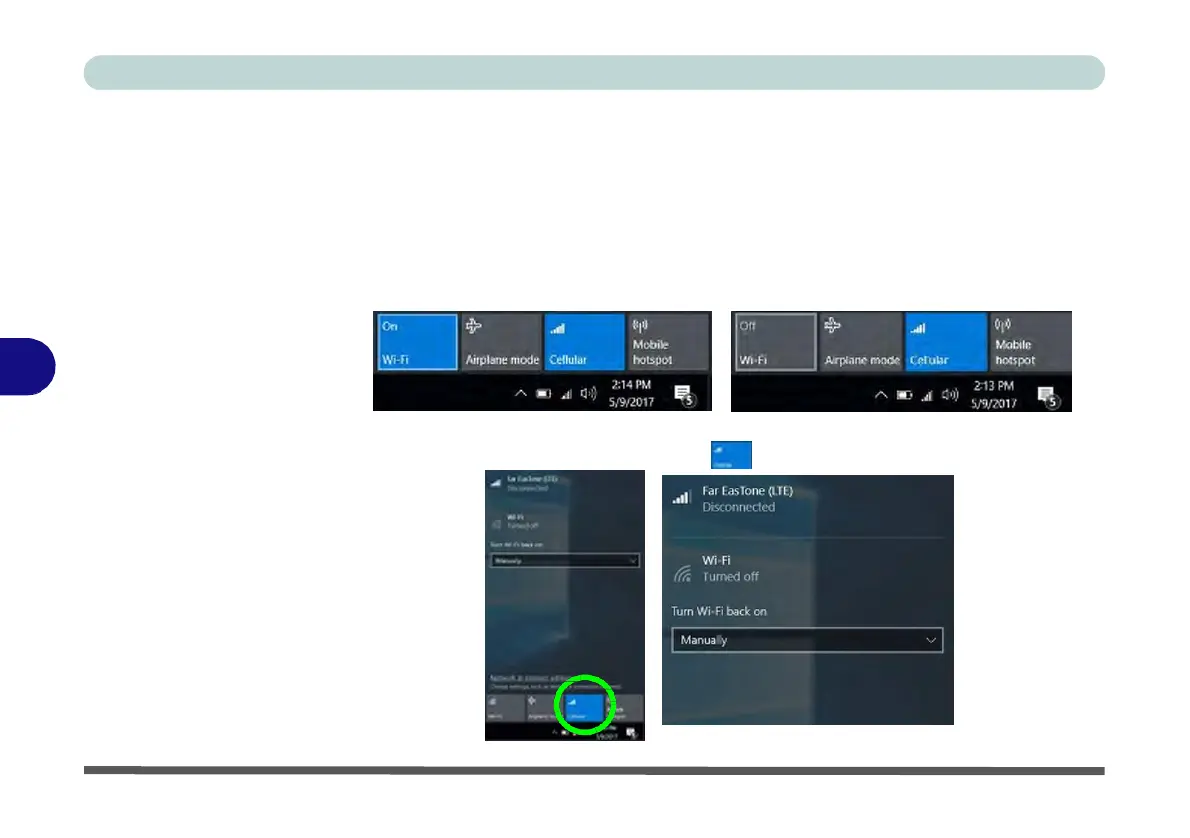
Wi-Fi Menu with
Wi-Fi On & Off
Figure 6 - 22
Cellular Menu
(Disconnected)
3G/4G Configuration
You can configure a 3G/4G connection as below, however make sure the system is
not in Airplane Mode before configuration begins and turn Wi-Fi Off in order to
use your 3G/4G connection as priority. You can connect to a 3G/4G connection
in much the same way as the WLAN connection except you use the Cellular menu.
1.
Click the Wireless icon in the notification area of the taskbar and click on the Wi-Fi
icon in order to turn it off (the Wi-Fi icon will be grayed out when off).
2.
Make sure that Airplane mode is off (the Airplane mode icon should be gray).
3.
Click the Cellular button to turn it On .


 To Next Page
 Loading...