4.
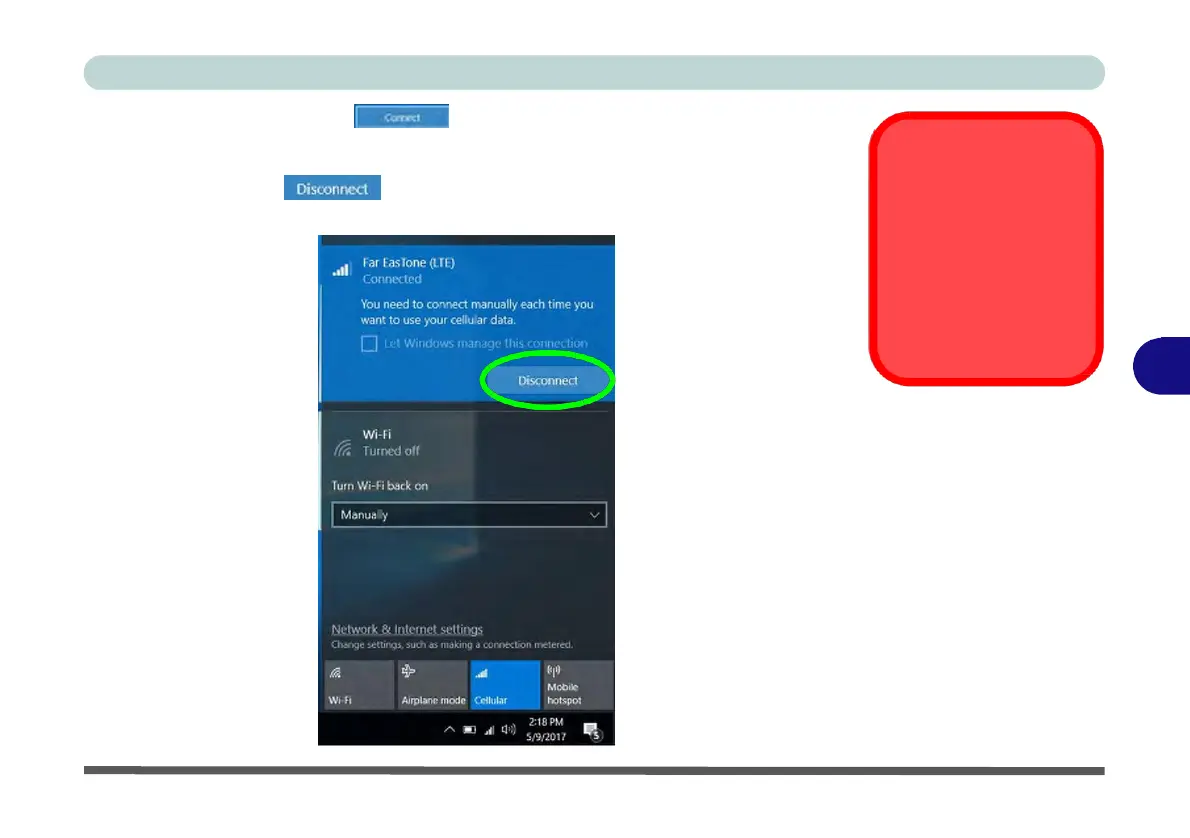
Click Connect to connect to the cellular network manually.
5.
Once connected you can then access the internet, download e-mail etc. as per any
internet connection.
6.
Click Disconnect to drop the connection to the cellular network.
7.
You will need to turn your Wi-Fi on again after disconnecting.
Power Saving States &
Cellular Connections
Note that if your system
goes in to a power sav-
ing state, you will need
to reconnect to your cel-
lular network when the
system resumes.
6
Figure 6 - 23
Cellular Connection



 To Next Page