Intel® HD Graphics Control Panel C - 7
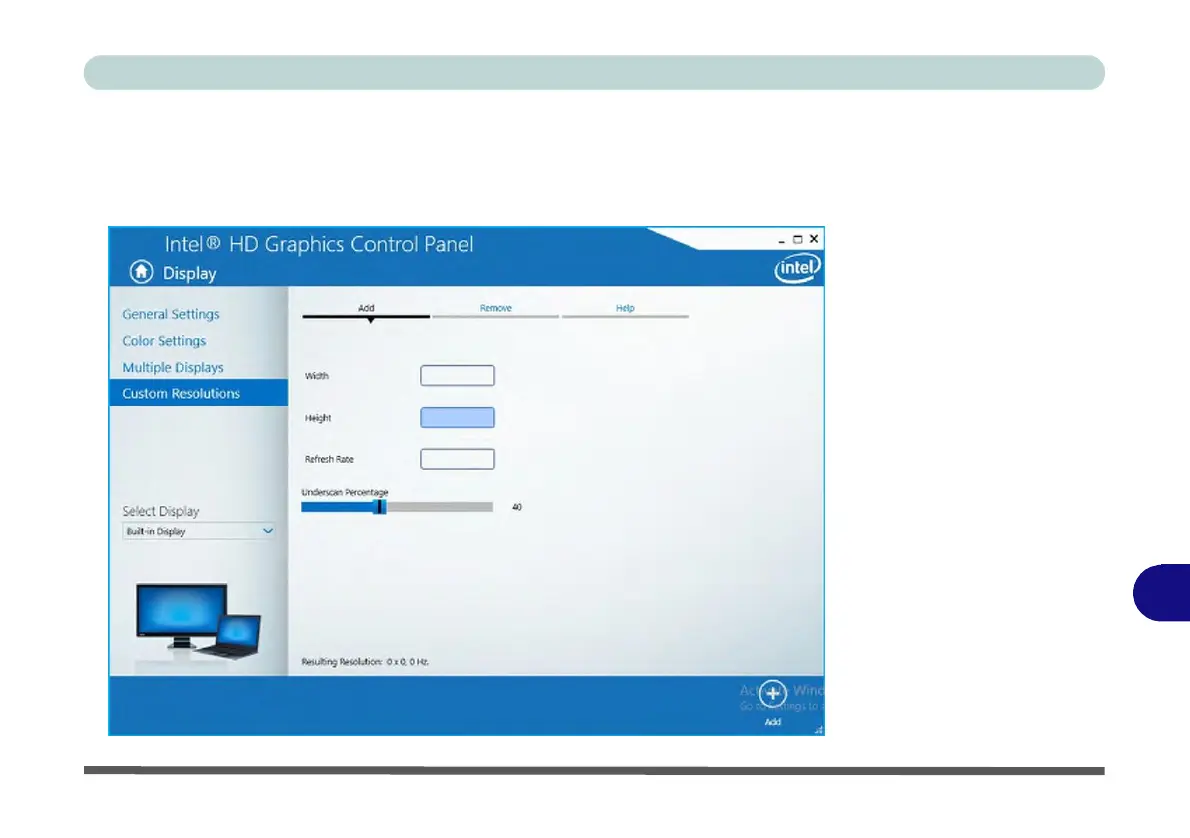
The Custom Resolutions sub-menu allows you to adjust the display (or any at-
tached display) to any width, height, refresh rate, color depth and underscan percent-
age of your choice. Note that incorrect settings can cause system instability and even
possible component damage, so this is adjusted at your own risk.
Figure C - 7
Intel® HD
Graphics
Control
Panel
Display Settings
-
Custom
Resolutions
C



 To Next Page