C - 8 Intel® HD Graphics Control Panel
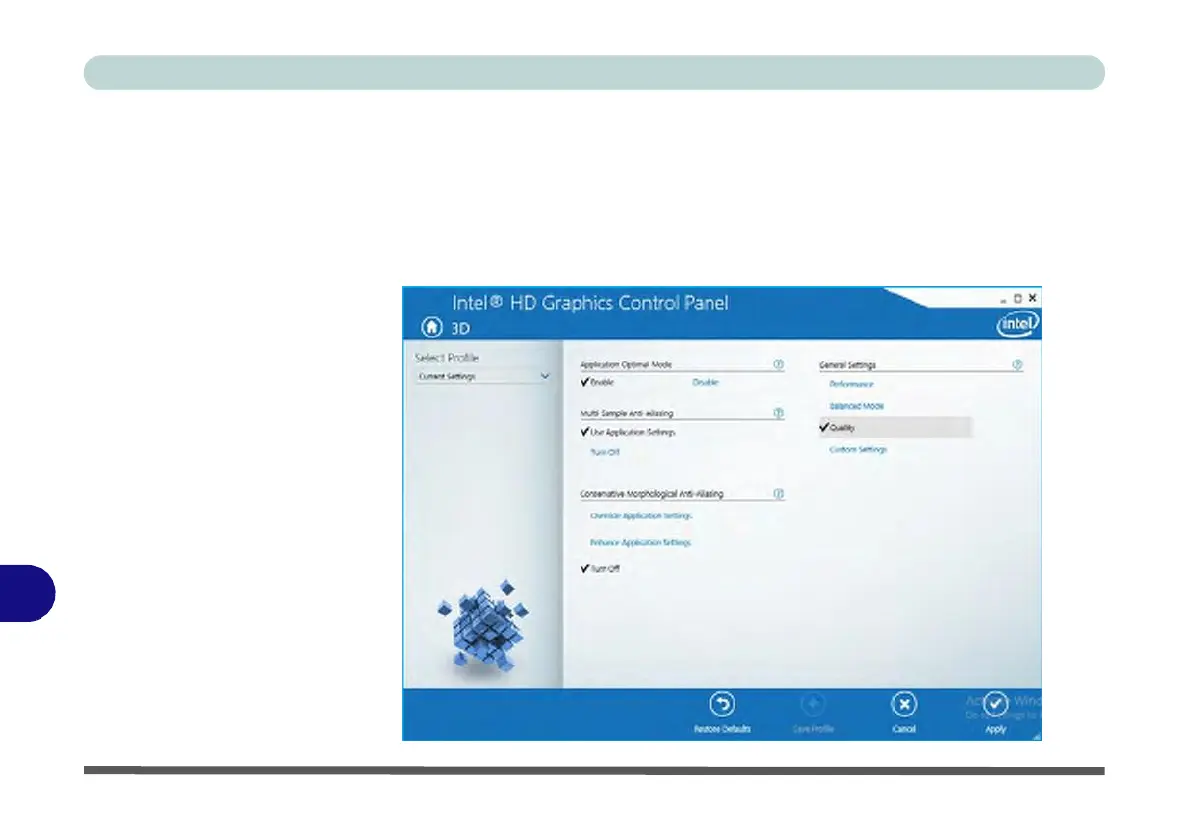
Figure C - 8
Intel® HD
Graphics
Control Panel
3D
C
3D
This menu allows you to choose how 3D images are displayed. Performance gives
the smoothest motion of images, Quality displays the most detail, Balanced Mode
provides better computer performance with good quality and Custom allows you to
configure the Anisotropic Filtering and Vertical Sync and features to your prefer-
ences. Click Apply to save changes.



 To Next Page