Intel® HD Graphics Control Panel C - 11
Video
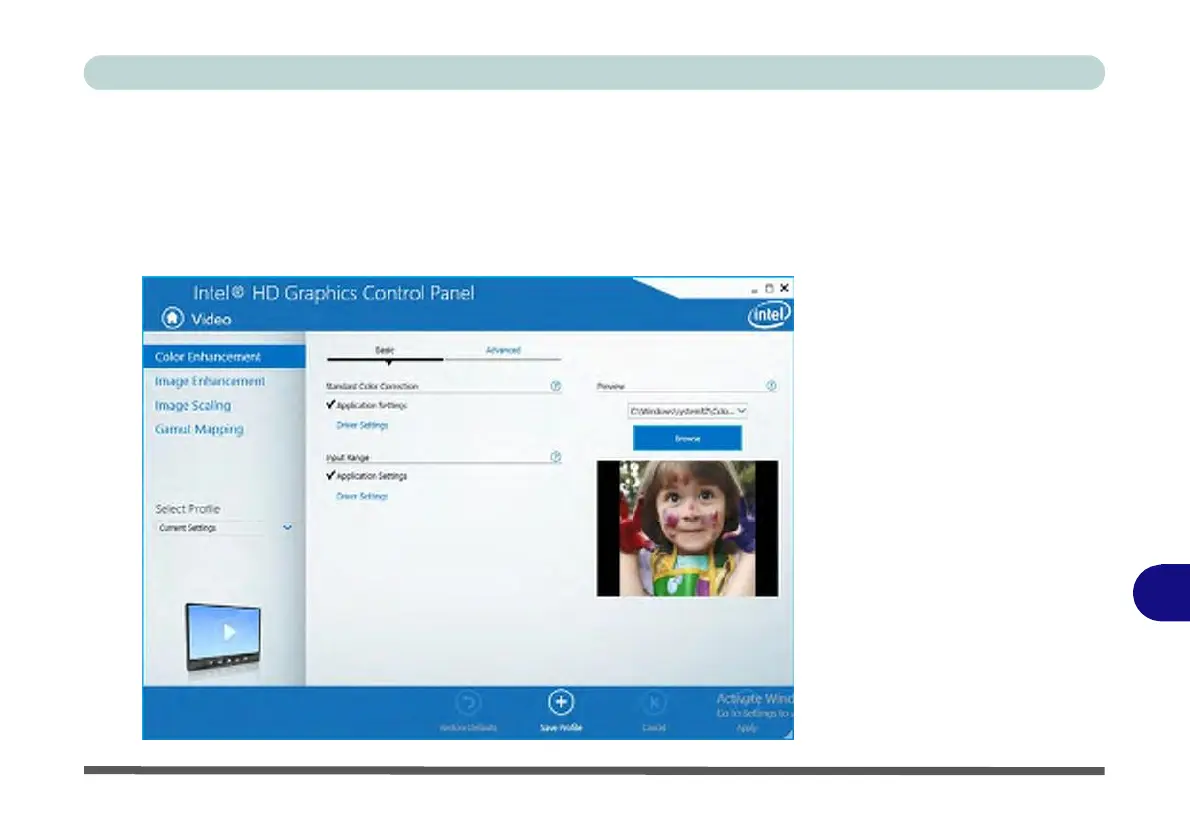
The Video menu allows you to brighten or darken movies, or to switch to vivid col-
ors. The Preview image will display a sample image using the current settings. You
can Save Profile and name the Profile to recall the settings at any time. Click Apply
to save changes (select Color
Enhancement
,
Image
Enhancement
,
Image Scaling
or Gamut Mapping from the menu).
Figure C - 11
Intel® HD
Graphics
Control Panel
-
Video
(Color
Enhancement)
C



 To Next Page