C - 12 Intel® HD Graphics Control Panel
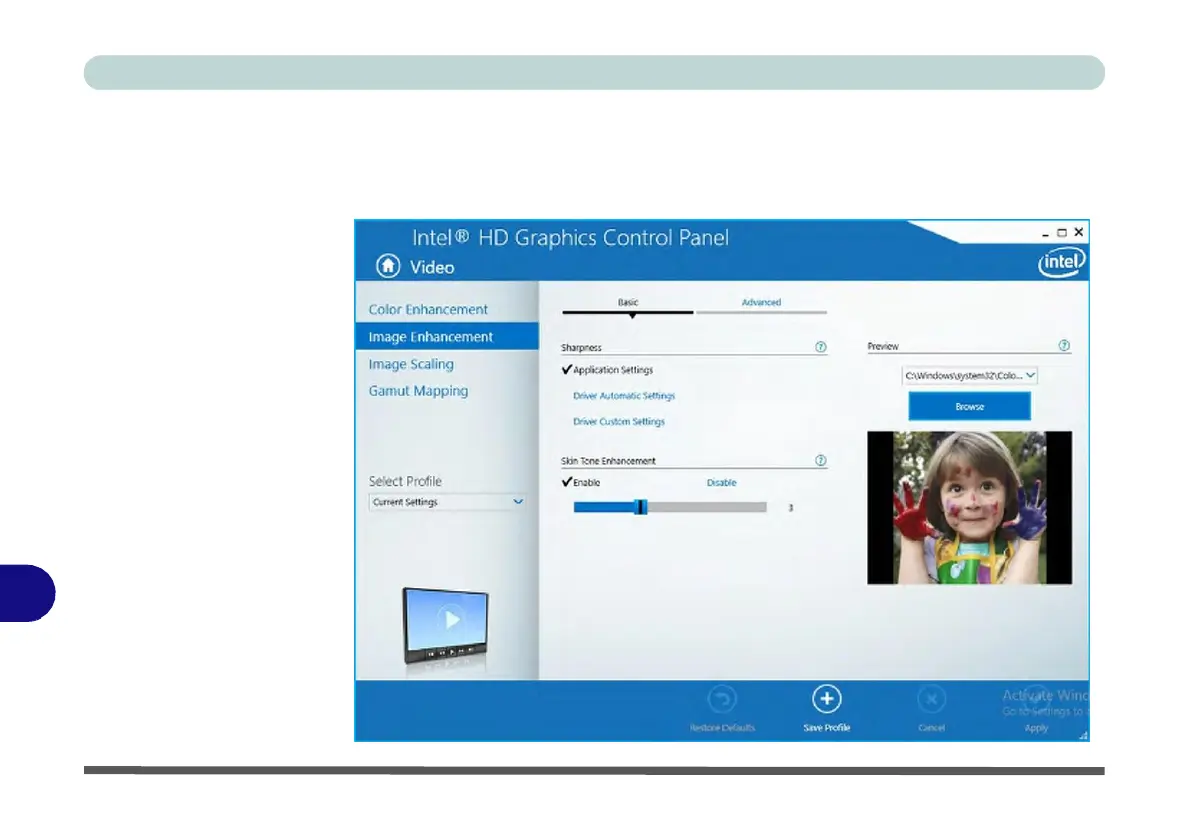
Figure C - 12
Intel® HD
Graphics
Control Panel
-
Video
(Image
Enhancement
Basic)
C
Click the Video menu at the top of the screen to display the sub-menus.The Image
Enhancement menu allows you to adjust the Sharpness, Skin Tone Enhancement
in the Basic menu, and Noise Reduction, Contrast Enhancement and Film Mode
Detection in the Advanced menu. Click Apply to save changes.



 To Next Page