You can configure attached displays from Project. C - 19
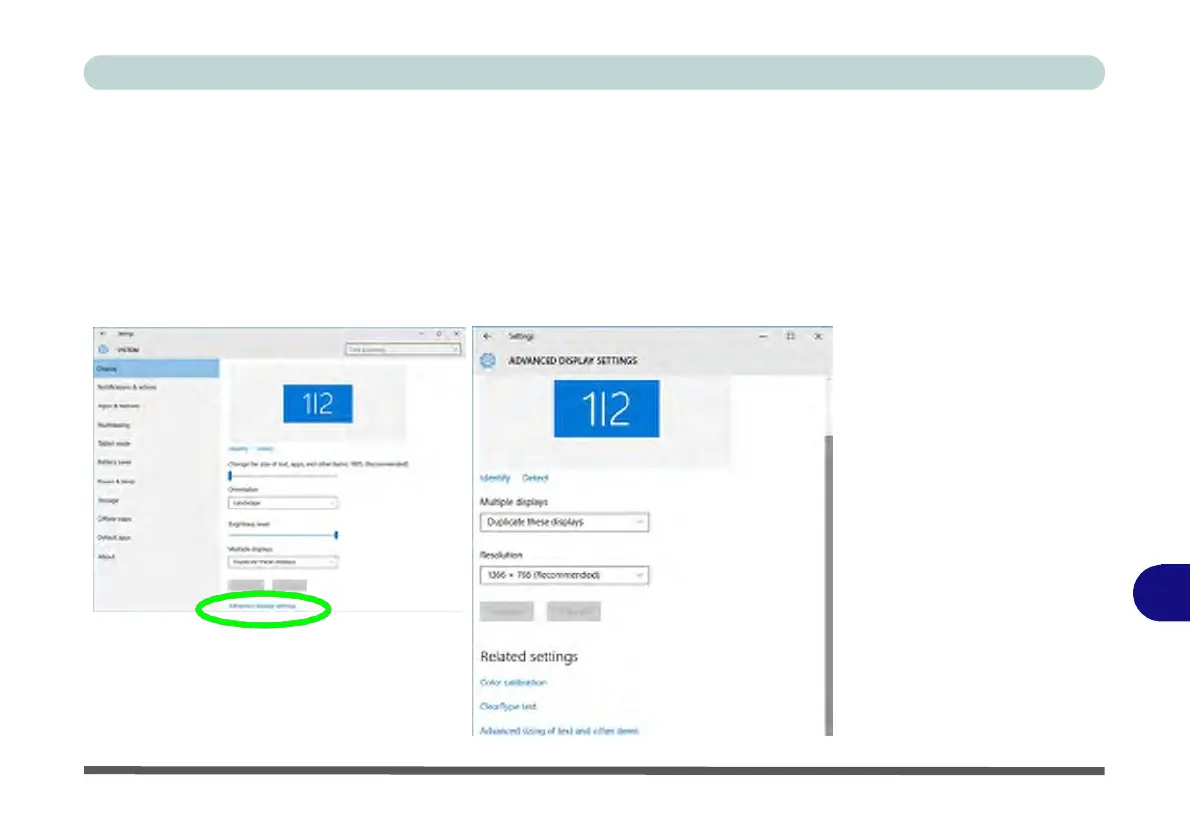
Configuring an External Display In Windows
The System Control Panel in Settings may also be used to configure displays.
1.
Attach your external display to the appropriate port, and turn it on.
2.
Click the Start Menu and click Settings > System (or right-click the desktop and
select
Display
Settings).
3.
You can change
Duplicate,
Extend or choose to display on 1 screen only.
4.
Click Apply to save any
changes
made.
5.
Click
Advanced
display
settings
to access further options.
Figure C - 18
System >
Display
C


 To Next Page
 Loading...