3 - 4 Shutting the Computer Down
Shutting the Computer Down
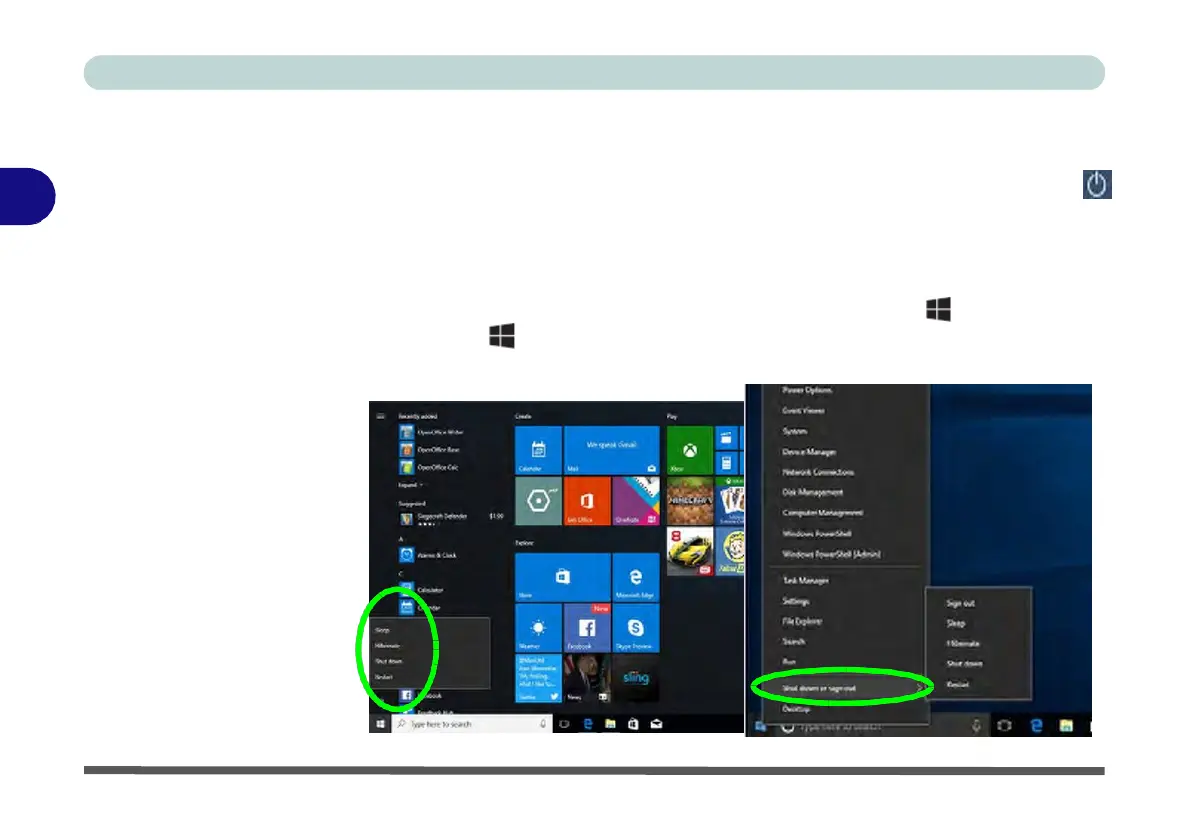
Note that you should always shut your computer down by choosing the Shut down
3
command as this will help prevent hard disk or system problems. Use the
Power
item
in the Start Menu and select Shut down. If you want to add Hibernate/Sleep
to the Power Menu see “Adding Hibernate/Sleep to the Power Menu” on page 3 -
10.
You can also use the context menu (right-click the Start Menu icon or press the
Windows logo + X key combination) to Sign out, Sleep, Hibernate, Shut
down, and Restart.
Figure 3 - 1
Shut
Down/Restart


 To Next Page
 Loading...