Power Plans
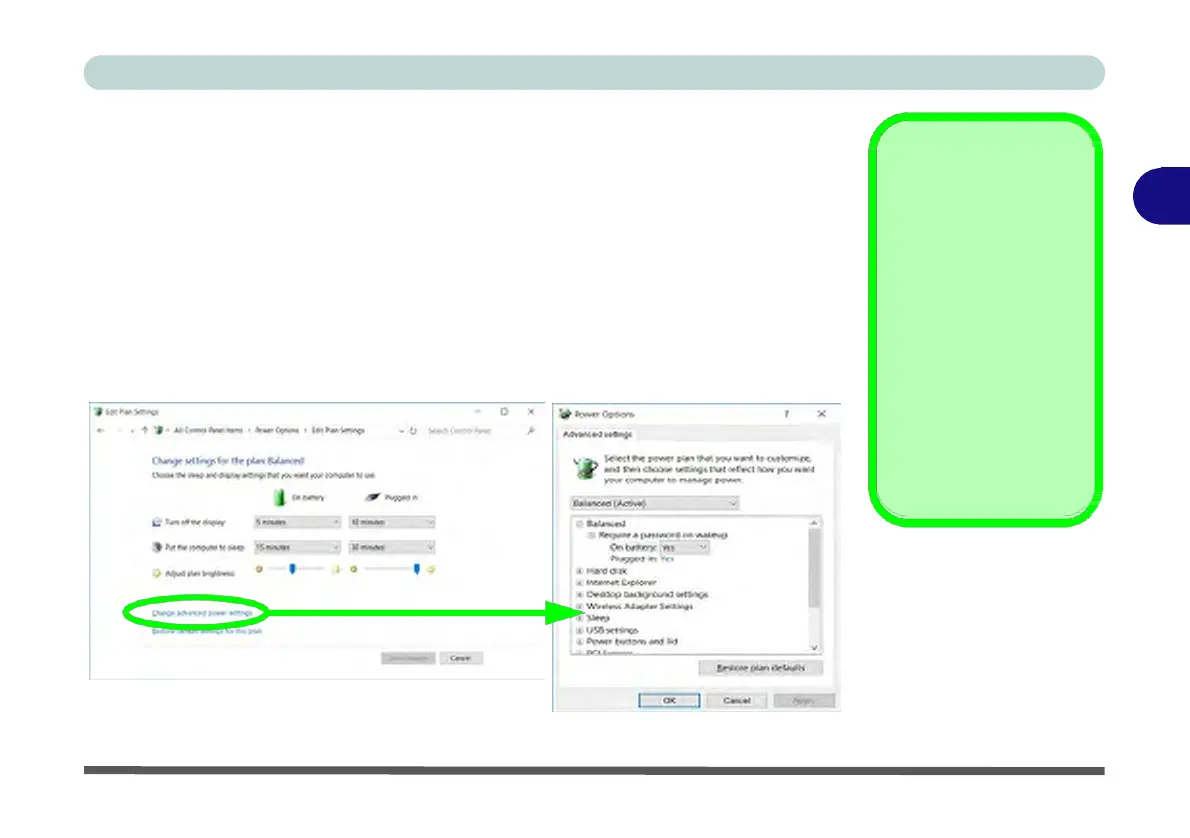
The computer can be configured to conserve power by means of power plans (Con-
trol Panel > Power Options). You can use (or modify) an existing power plan, or
create a new one.
The settings may be adjusted to set the display to turn off after a specified time, and
to send the computer into Sleep after a period of inactivity.
Click Change plan settings and then click Change advanced power settings to ac-
cess further configuration options in Advanced Settings.
Resuming
3
Operation
See Table 3 - 1, on
page 3 - 11 for informa-
tion on how to resume
from a power-saving
state.
Password
It is recommended that
you enable a password
on system resume in or-
der to protect your data.
Figure 3 - 2
Power
Plan
Advanced
Settings


 To Next Page
 Loading...