EasyManua.ls Logo

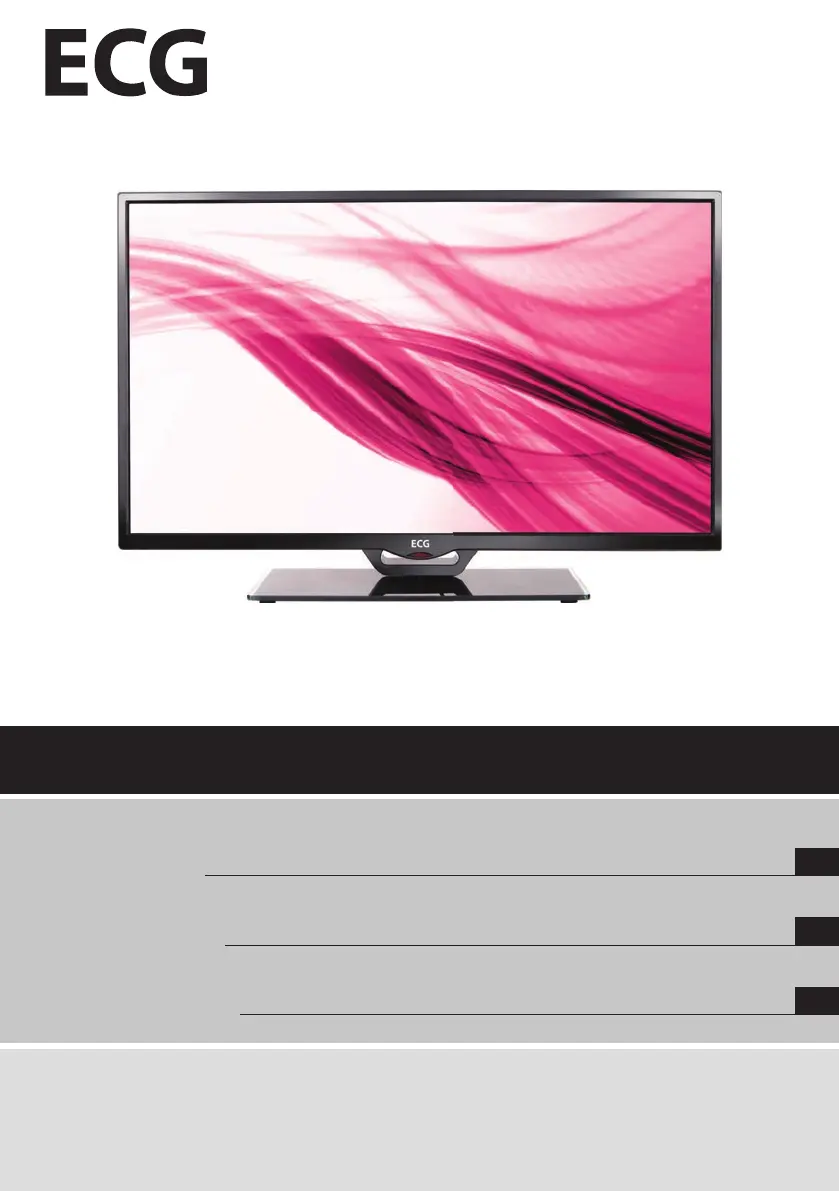
ECG 32 LED 614 PVR - User Manual

ECG 32 LED 614 PVR
72 pages
Go to English
Print Icon
To Next Page IconTo Next Page
Loading...
LED TV
VOD K OBSLUZE
CZ
LED TV
VOD NA OBSLUHU
SK
LED TV
INSTRUCTION MANUAL
GB
Před uvedením výrobku do provozu si důkladně prtěte tento návod abezpečnostní pokyny, které jsou vtomto návodu obsaženy. Návod musí
t vždy přiložen kpřístroji.
Pred uvedením výrobku do prevádzky si dôkladne prečítajte tento návod abezpečnostné pokyny, ktoré sú vtomto návode obsiahnuté. Návod
musí byť vždy priložený kprístroju.
Always read the safety&use instructions carefully before using your appliance for the  rst time. The user´s manual must be always included.
32 LED 614 PVR

Questions and Answers

  • J
    Judy LewisAug 9, 2025
    How to fix an ECG LED TV that won't turn on?
    • G
      Gregory HernandezAug 9, 2025
      First, ensure that the power cord is securely plugged into the electrical socket. If it is, try unplugging the ECG LED TV from the power supply, waiting approximately 60 seconds, and then plugging it back in and powering it on.
  • J
    Julie SingletonAug 13, 2025
    Why is my ECG 32 LED 614 PVR LED TV not responding to the remote controller?
    • W
      Wanda WhiteAug 13, 2025
      If your ECG LED TV is not responding to the remote controller, make sure you are pointing the remote directly at the remote control sensor on the TV. Also, check for any obstructions between the remote and the TV. Finally, ensure that the batteries in the remote are not dead.
  • D
    David Sanchez DDSAug 18, 2025
    How to remove interfering horizontal stripes through the picture on my ECG 32 LED 614 PVR?
    • H
      Holly HannaAug 19, 2025
      If you're experiencing horizontal stripes on your ECG LED TV screen, it could be due to interference from electrical appliances like hair dryers or vacuum cleaners. Try turning off any such appliances that are in close proximity to the TV.
  • R
    Rachel YatesAug 25, 2025
    Why is there picture but no sound on my ECG LED TV?
    • S
      silvameganAug 25, 2025
      If you have picture but no sound on your ECG LED TV, first increase the volume. Also, verify that the TV is not muted by pressing the mute button to restore the sound.
  • G
    Gabrielle HarringtonAug 29, 2025
    What to do if there is no picture in PC mode on my ECG LED TV?
    • R
      Ruben VasquezAug 29, 2025
      If there is no picture in PC mode on your ECG LED TV, first ensure that the video cable is securely connected to the VGA connector. Also, verify that the picture format from your PC is compatible with the TV's supported formats.
  • C
    Cindy PriceSep 2, 2025
    How to fix vertical vibration (in PC mode) on ECG 32 LED 614 PVR LED TV?
    • D
      David GeorgeSep 2, 2025
      If you are experiencing vertical vibration in PC mode on your ECG LED TV, try adjusting the display frequency for the picture from the PC.

ECG 32 LED 614 PVR Specifications

General IconGeneral
BrandECG
Model32 LED 614 PVR
CategoryLED TV
LanguageEnglish

Related product manuals