GB
20
the use of this device by a person responsible for their safety. Children
must be supervised to ensure that they do not play with the device.
Do not immerse in water!
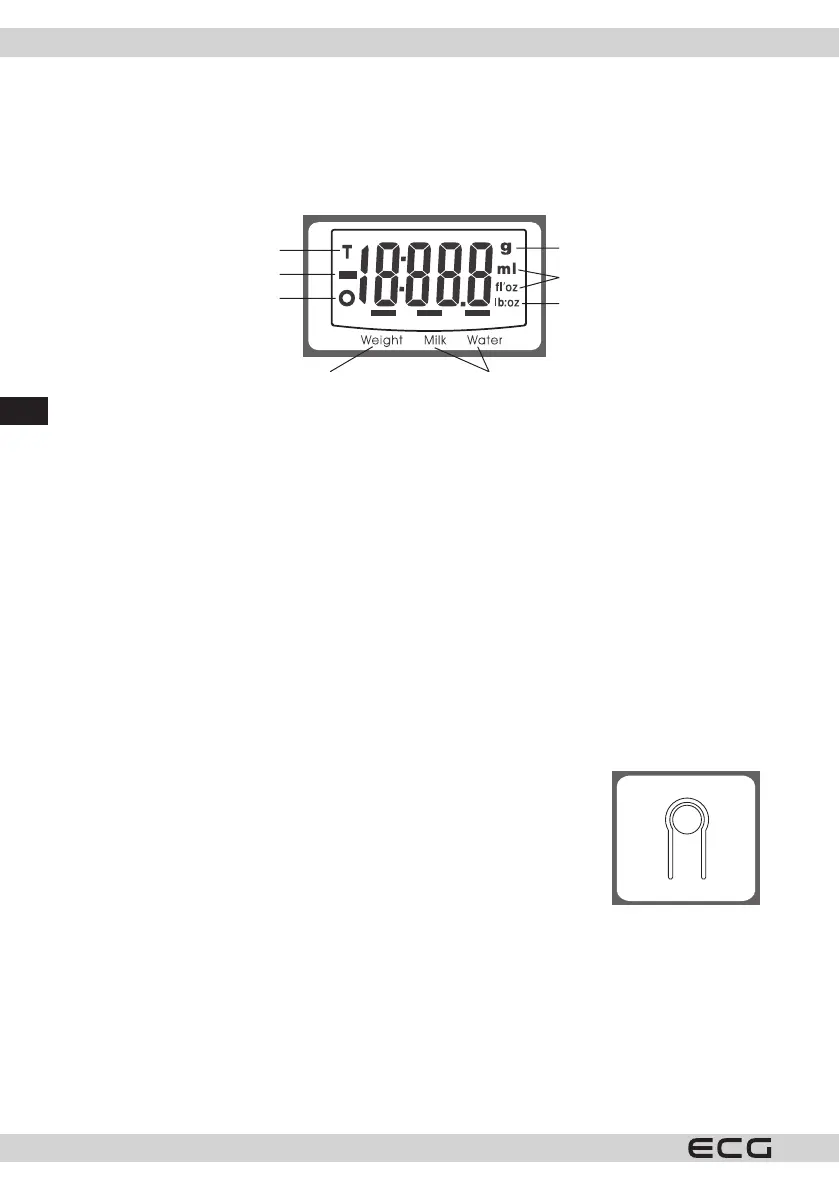
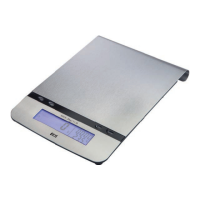
LCD display
Tare function
Negative value
Zeroing function
Display of weight Display of milk/water volume
Weight unit
Volume unit
Weight unit
Changing batteries
1. First remove the insulation foil from the contact of the new battery.
2. Open the battery compartment cover on the underside of the scale.
3. Using a sharp object remove the used battery (e.g. using tweezers).
4. Insert the new battery so that one side of the battery is inserted under the latch and then press on the
other side. Make sure to maintain the correct polarity.
Note: If an error is displayed on the display or if it is not possible to turn o the scale for a long time, please,
take out the battery for approximately 3 seconds and then put it back. If you are not successful in
solving this problem, please, the store where you bought the device for advice.
WEIGHING MODE
1. Place the scale on an even, hard and stable surface.
2. Before turning the scale on place a kitchen bowl on it (if you wish to use it).
3. By pressing the ZERO/ONOFF button turn on the weighing mode.
4. Wait until all the information is displayed on the LCD display.
5 Place the object to be weighed on the scale (into the bowl) and the LCD display will show the measured
weight of the object.
Unit conversion
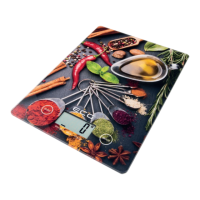
This digital kitchen scale weighs in both metric (g, ml) and imperial (lb:oz, ’oz)
units. Press the conversion button on the bottom side of the scale to set the
desired unit of measure.
Display of liquid volume (milk, water)
1. Place a container on the weighing surface.
2. By pressing the ZERO/ON/OFF button reset the weight of the container to zero, so that a “0” is displayed.
3. Pour the liquid into the container, the display will show the liquid.
4. To display the volume of the liquids, press the MODE button and select on of the options WATER, MILK,
then the desired liquid volume will be shown on the display.
ZEROING AND TARE FUNCTION
These functions are used to gradually measure the weight of various portions added to the previous ones,
which remain on the scale. Place the rst portion on the scale and its weight will be shown on the display.
Before adding another portion on to the scale press the ZERO/ON/ OFF button and the value on the display
will be reset to zero ("0"). This step can be repeated.


 To Next Page