EN
43
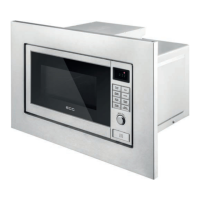
ATTENTION: Do not install the oven above or near the kitchen stove, or near another source of heat. Placing the
oven by a heat source could damage the oven and result in losing the warranty. The microwave oven should be used
in an open space and should not be placed in a cabinet.
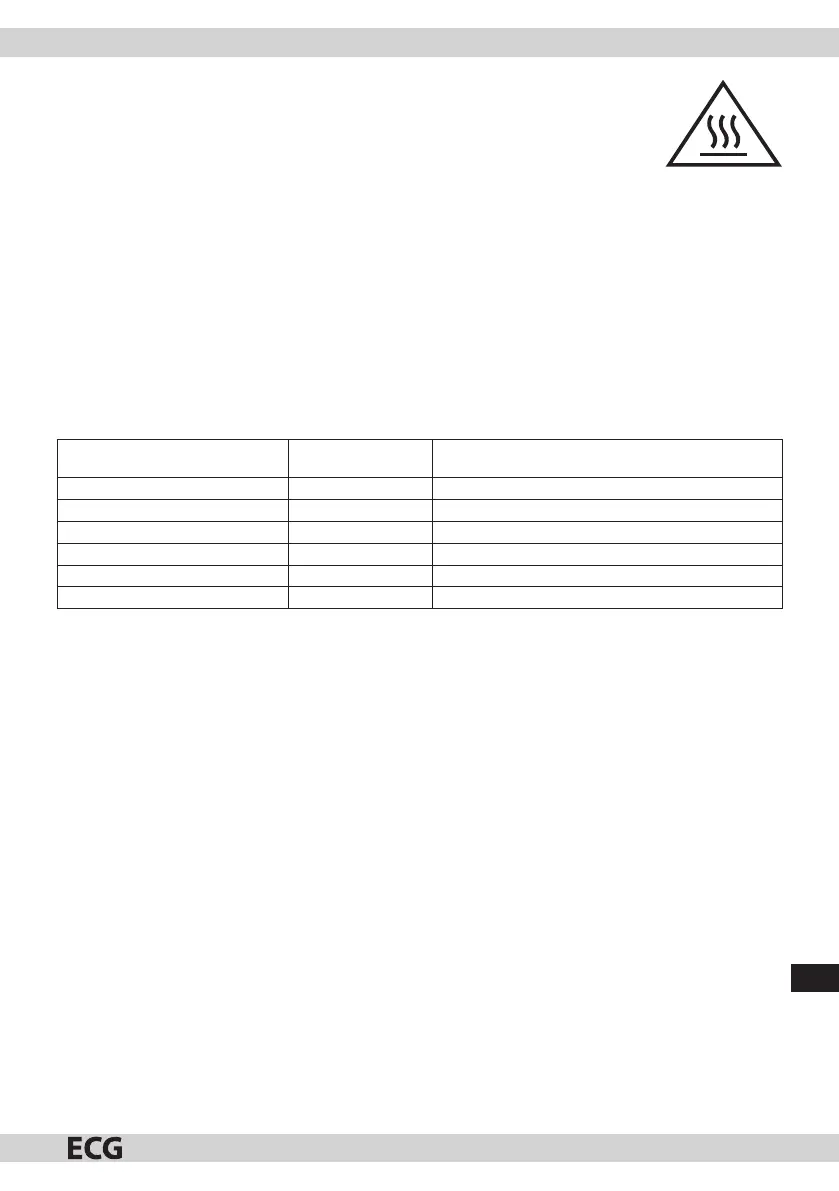
The surface of the microwave oven can become hot during operation.
OVEN FUNCTIONS
Operating instructions
This microwave oven uses modern electronic controlling to congure cooking parameters to better meet your needs.
1. Pause/Cancel settings
Press the Pause/Cancel button to pause a running program, press twice to cancel the program. Also used for setting the Child lock
function.
2. Setting the time
Press the Clock button, turn the Menu/Time wheel to the desired hour and conrm by pressing the Clock button.
Set the minutes by turning the Menu/Time wheel and press the Clock button again.
3. Cooking in the microwave oven
1) Press the Power level button to select the desired power.
2) Using the Menu/Time wheel, set the desired cooking time.
3) Conrm by pressing the Start/Quick Start button and the oven will begin cooking.
Cooking power table
Power level button ‑ number of times
pressed
Cooking power Use
1 100% Heating, milk, boiling water, vegetables, beverages
2 80% Rice, sh, chicken, ground meat
3 60% Stewing meat, sh
4 40% Preparing soups, butter softening
5 20% Ice cream softening
6 0%
4. Quick start
Press the Start/Quick Start button to set the cooking duration, the oven will start at full power. The longest possible duration that can be
set in this mode is 10 minutes. After the cooking time has elapsed, you will hear a beep and the display will show END.
5. Defrosting according to weight
Defrosting time and power are set automatically after programming the weight. Weight ranges of frozen foods: 100–1800 g.
Example: Defrosting 600 g of shrimps.
1) Press the Auto Defrost button.
2) Press the Weight adjust button and select the weight of the food.
3) Start the defrosting process by pressing the Start/Quick Start button.
Note: During the defrost process, the cycle is interrupted and a sound is signalled - turn the food and continue by pressing the Start/
Quick Start button.
6. Defrosting according to time
1) Press the Speed Defrost button.
2) Turn the Menu/Time wheel and set the defrost duration (maximum setting is 95 minutes).
3) Start the defrosting process by pressing the Start/Quick Start button.
7. Cooking in phases
2 dierent preparation phases at most can be set for cooking.
Example:
phase 1: a cooking time of 10 minutes for a cooking power of 100%.
phase 2: a cooking time of 5 minutes for a cooking power of 40%.
1) Select 1 program phase (identical to setting the cooking options on the microwave). Press the Multi stage cooking button.
2) Enter 2 program phases.
3) Press the Start/Quick Start button.
Note: The Quick start, Automatic and Quick defrost, Automatic cooking functions are not available for phase cooking.
Hot surface!


 To Next Page