8
First time installation
Switch on the unit for the first time
Channel search
Ensure all connections have been made following the diagrams on the previous pages for
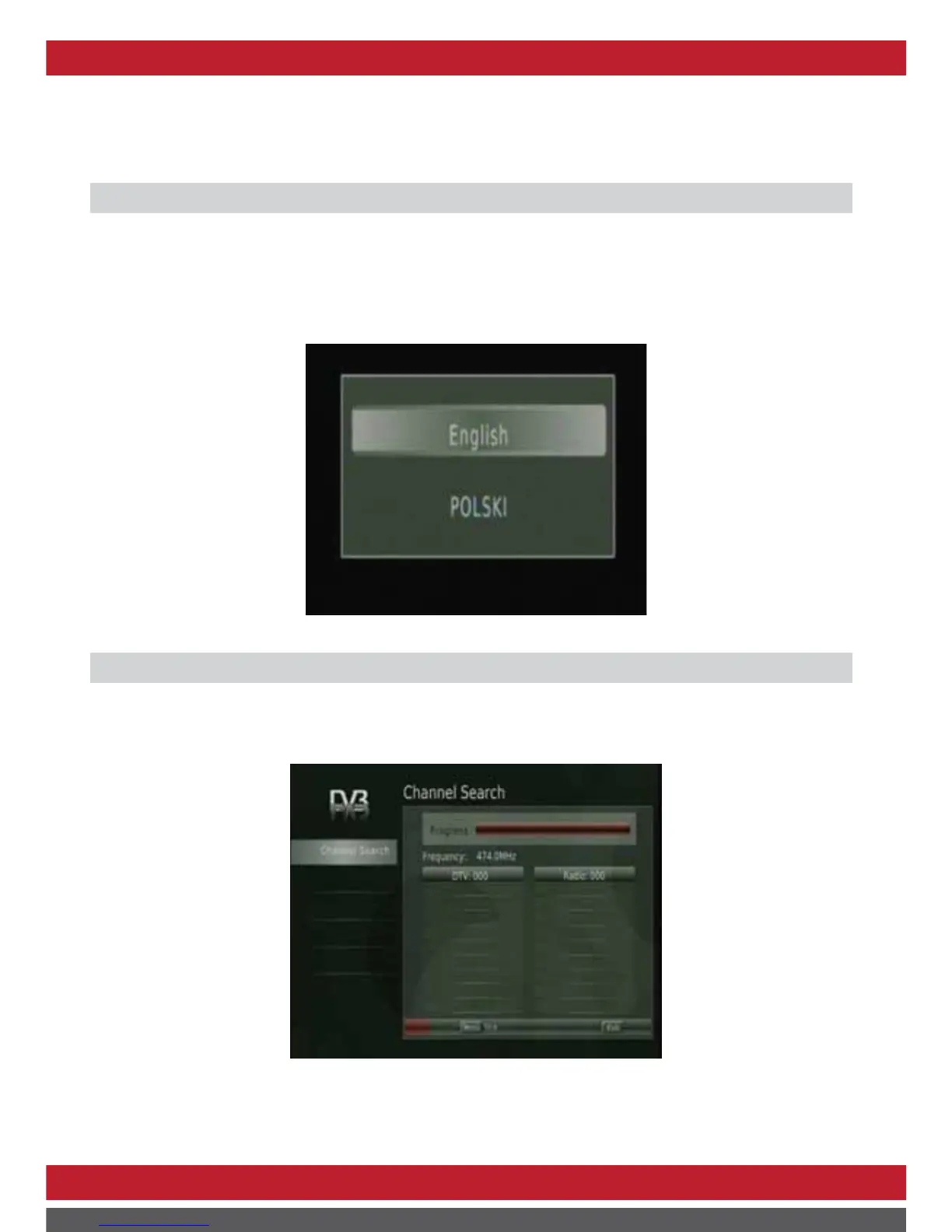
reference. To switch on the set top box, press the Power button on the set top box. If you are
using the receiver for the first time, a message will be displayed to ask to select the OSD
language with ▲/▼button.
Press【OK】 button to launch auto search once selected.
Press【menu】 or 【exit】button to enter Main menu.
NOTE: Please ensure the mains power switch on the front of the unit is set at ON position.



 To Next Page