EasyManua.ls Logo

Eco-De ECO-804 - User Manual

Eco-De ECO-804
28 pages
Print Icon
To Next Page IconTo Next Page
Loading...
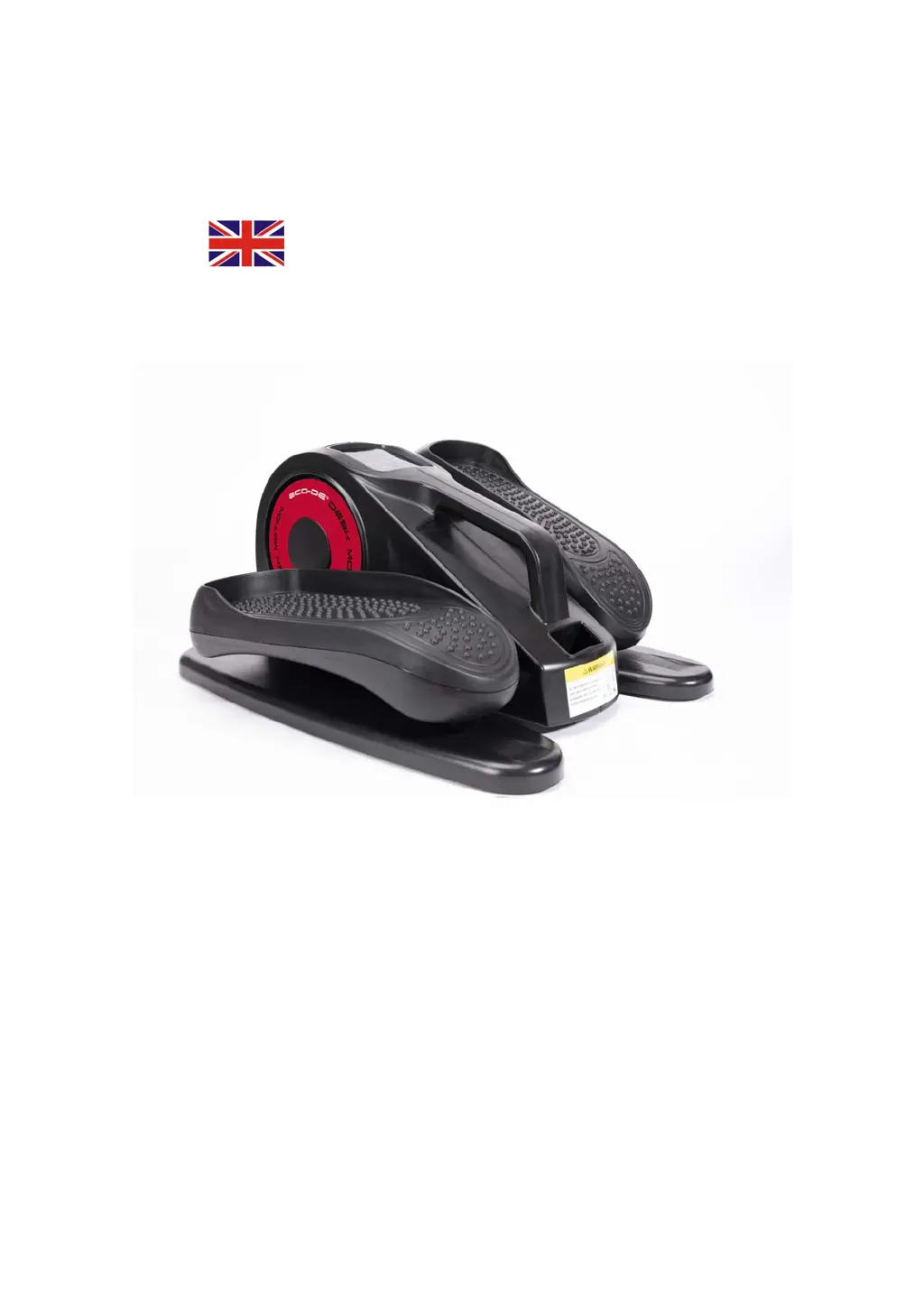
ECO-DE®
ELLIPTICALDESKMOTION
ECO‐804
SAFETYINSTRUCTIONS:
Besuretousethisproductinaccordancewiththeoperatinginstructions.
1.Turnoffthepoweraftereachuse.Afterusingorbeforecleaningthemachine,unplugthepower
supplyfromtheoutlet.
2.Donotcoverwhileusing,toavoidmotoroverheatingandcausemalfunctionordamage.
3.Keepchildrenawayfromtheequipment.Thismachineisforadultuseonly.
4.Beawarehowyouarefeeling.Ifyoufeeluncomfortableorexperienceanyadversesymptoms,stop
theusingthemachineimmediately.
5.Donotusetheproductifitisdamagedordefective.
6.Donotinsertordropdebrisintheproduct.
7.Thisequipmentisnotsuitablefortherapeuticuse.Donotusewithothermedicalelectronic

Questions and Answers

  • K
    Kenneth RussellAug 1, 2025
    What to do if Eco-De ECO-804 suddenly stops operating?
    • A
      April NguyenAug 1, 2025
      If your Eco-De Fitness Equipment suddenly stops, there could be several reasons. First, ensure the power cord is securely connected. If the timer has exceeded 30 minutes, press the Power button to restart the machine. If the continuous use time is too long, allow the product to cool down before turning it back on. Finally, ensure that the user weight does not exceed the maximum limit of 120kg.

Summary

Safety Instructions

General Safety Precautions

Covers power off, avoiding overheating, user awareness, damaged product, debris, therapeutic use, and children.

Carrying and Handling

Moving the Elliptical Trainer

Instructions on how to safely move the elliptical trainer, including where to hold it and what to avoid.

Operating Instructions

Powering On and Starting

Steps to plug in the elliptical trainer and initiate its operation using the power button.

Manual Exercise Mode

HR Mode Functionality

Details on using the HR mode, including speed levels, direction control, and display options.

Display Modes

Explanation of display options like Scan, Time, Distance, Speed, Counter, and Calorie.

Product Care

Storage and Cleaning

Guidelines for storing the product in a dry, ventilated area and cleaning it with a damp cloth.

Troubleshooting

Common Issues and Solutions

Addresses problems like the product not turning on or stopping unexpectedly with possible causes and fixes.

Eco-De ECO-804 Specifications

General IconGeneral
BrandEco-De
ModelECO-804
CategoryFitness Equipment
LanguageEnglish