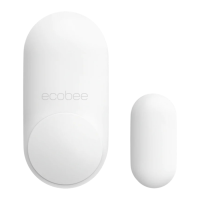
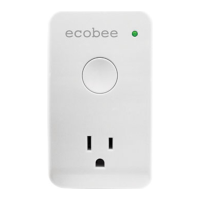
1 ACTIVATE
Use the ecobee app to add your new
SmartSensor. Scan the QR code then
pull the tab. Continue the setup on the
ecobee app.
1 ACTIVER
Utilisez l'appli ecobee pour ajouter votre
nouveau SmartSensor. Scannez le code QR
puis tirez sur l'onglet. Continuez la
configuration sur l'appli ecobee.
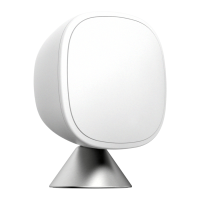
2 PLACE WITH A STAND
Use the stand to place your sensor on
a table or shelf. If you’ve picked a spot
that’s higher than 5 feet, use the
wall-mount.
2 UTILISER UN SUPPORT
Utilisez le support pour placer votre capteur
sur une table ou une étagère. Si vous
souhaitez l'installer à une hauteur supérieure
à 1,5 m, utilisez le support mural.


 To Next Page