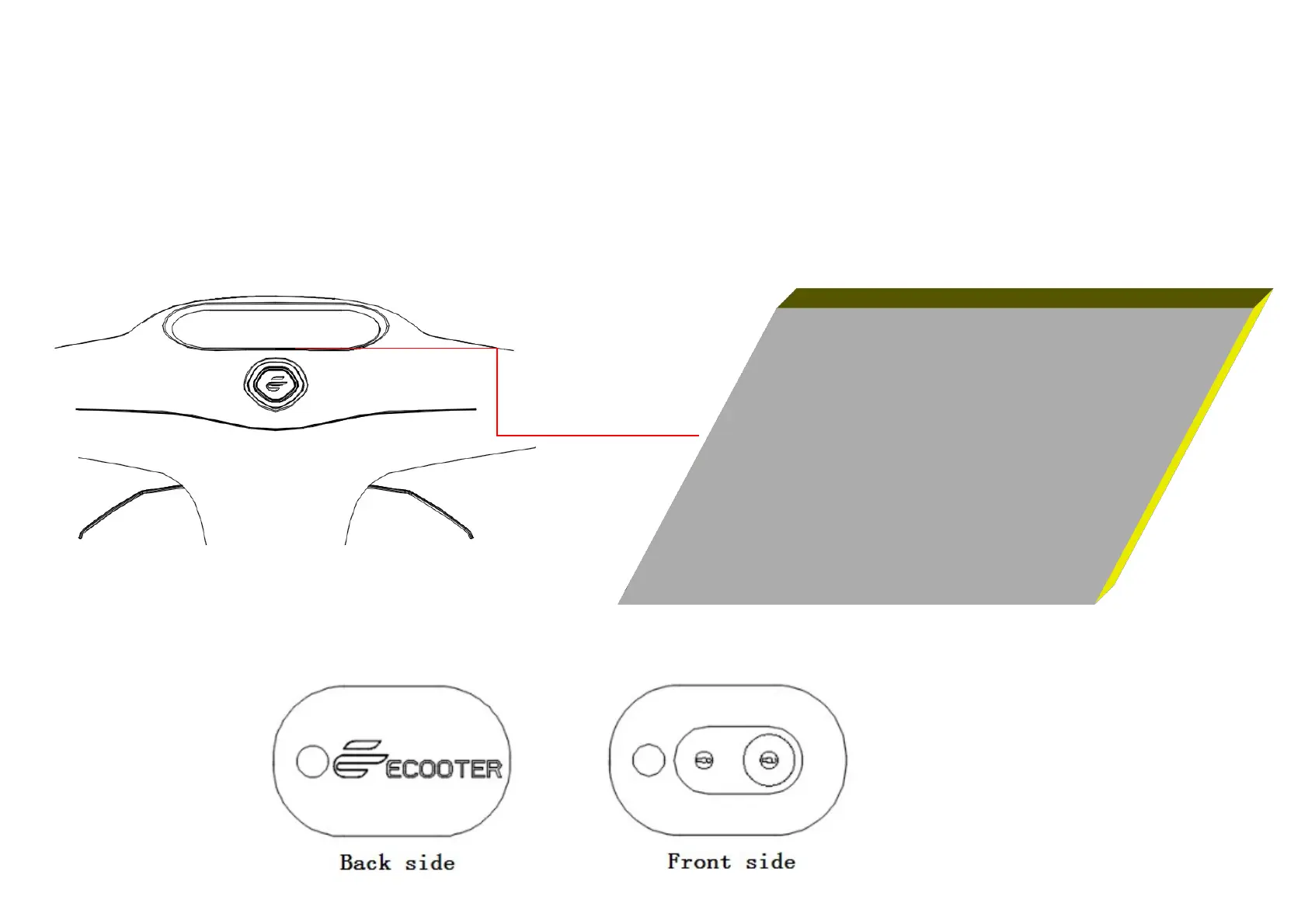
After unlocking the scooter with the smart remote control / ECOOTER APP / power lock, press the start button, the
scooter enters the "standby state", and can go by turning the accelerate handle grip.
3.1.4 Smart remote control key
We use an advanced smart remote control to easily lock or unlock the scooter by simply tapping the front lower part
of the remote control within 10 meters.
After the scooter enters the "standby
state", this LOGO light will be on.


 To Next Page