9
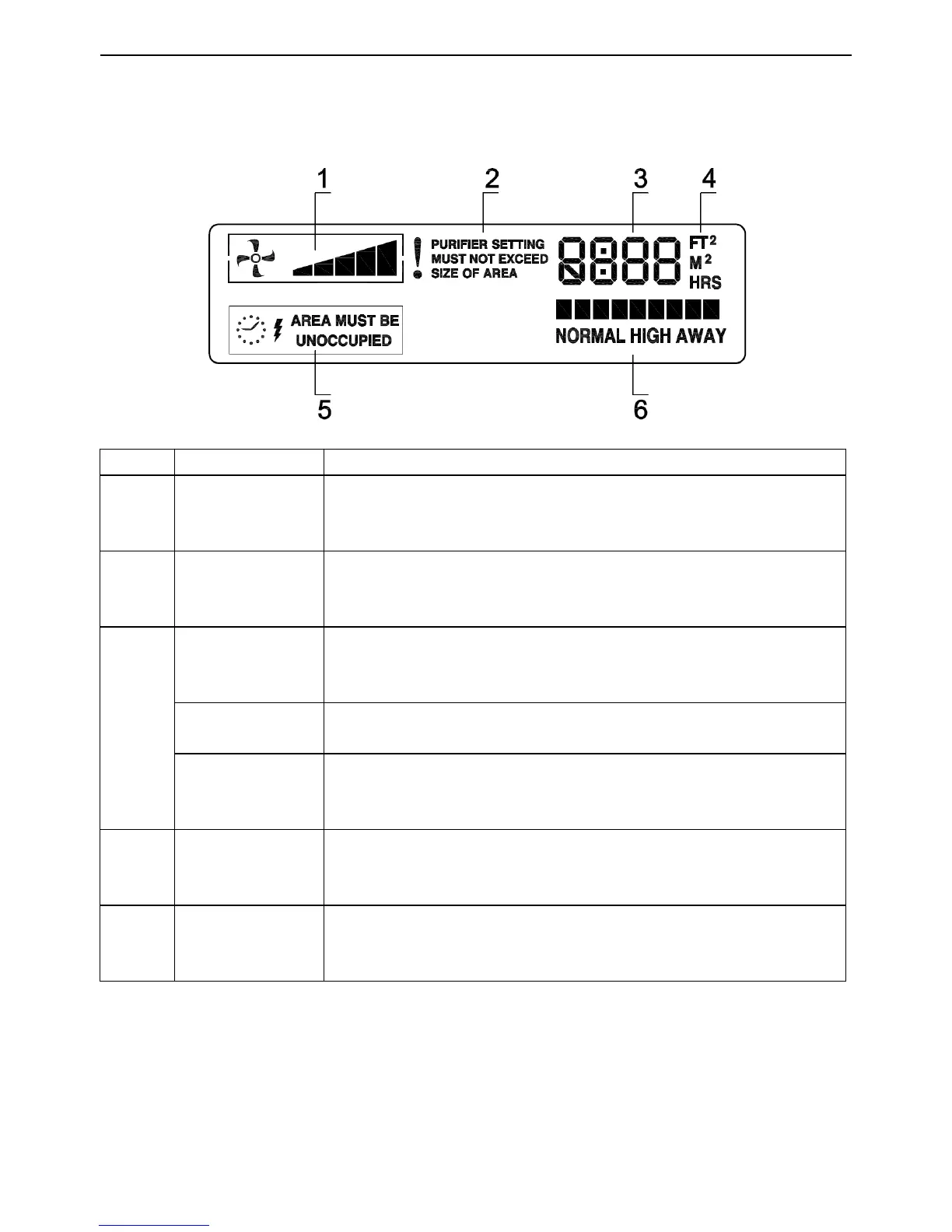
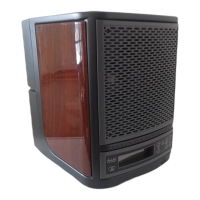
LCD Display
No Name LCD display
1
Fan speed
status
Press FAN button to increase or decrease fan speed.
2 Warnings
LCD display warns you when coverage area is more than
2400 sq.ft.
3
Coverage area
Dispays current coverage setting 1000- 3000 sq. ft.
Coverage area changes 200 sq. ft. each time FAN or
PURIFY buttons are pressed.
Timing
reminder
Shows countdown clock while in AWAY mode.
Standby
Powering unit off will take it to stand-by mode. LCD Shows
“0000” in stand-by mode.
5
Ozone function
reminder
LCD displays ”AREA MUST BE UNOCCUPIED” when
ozone is turned on.
6 Mode
This smart scale will show which mode unit is in NORMAL,
HIGH, or AWAY based on settings you have selected.







 To Next Page