Contents
S afety warning and notice
the manual and marking
label eep the user manual for later use.
Thank you to choose the LED TV with LED backlight made by our company, a valuable product with excellent quality and multiple functions.
This machine will bring you more audiovisual enjoyment. Its design can insure user's safety. All machine are strictly tested before leaving
factory. But incorrect use can lead to electric shock or fire. In order to ensure safety and extend its life, ple
ase read
carefully before using it and comply with the following safety instructions. Please k
● Power failure or unstable voltage.
● Abnormal sound or smell from the device.
● AC power cord is damaged.
● TV set is damaged due to falling off, knock or impact.
● Any liquid or foreign matters enter into the TV set.
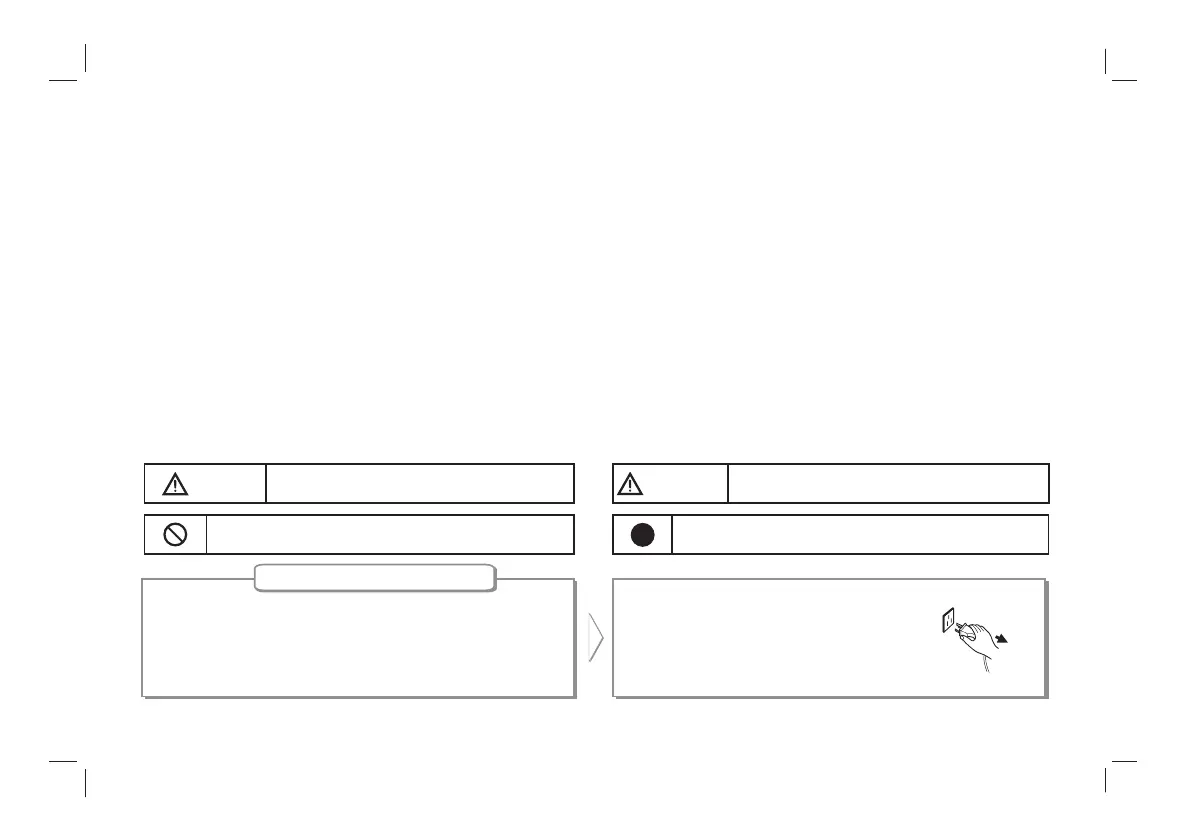
Under F ollowing Conditions
Turn off the TV set immediately, unplug the
power cord from the power outlet, and
contact authorized maintenance personnel.
Warning
Indicate the behaviors that must be prohibited.
Indicate the operations that must be performed
May result in casualties
A ttention
May result in personal injury or property losses
1
S afety warning and notice……………………… …………… …1
F eatures ……… … ……………………… … ………………………3
Mounting and C onnecting………… … ……………… … … ……4
Packing list…………………… …………………………………4
Mounting the TV set………………… … …………………… …4
Connecting peripheral equipment………… … … … … … ……6
P anel C ontrol K eys ……………………… … … … … … … … … …8
R emote C ontrol…… … … … … … … … … … … … … … … … … …9
B as ic Operations …… … … … … … … … … … … … … … … … …10
Turning on/Standby… … … … … … … … … … … … … … … …10
Signal Source Selection………………………………………10
Men
u operation description… … … … … … … … … … … … …11
Program scanning… … … … … … … … … … … … … … … … …11
Menu setting list………… … … … … … …………… … … … …12
USB multimedia function… … … … … … … … … … … … … …14
Troubles hooting…… ………………… ……………… …………17
Technical S pecifications ……………… … … … … ……… … …19


 To Next Page