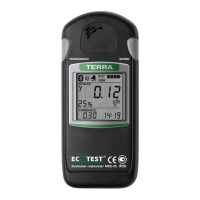
2.3.3.4 LCD backlight control
Each press of any button of the radiometer activates the LCD backlight for circa
6 seconds. Press the THRESHOLD button twice (time between presses should not
exceed 0.5 s) to turn on a continuous LCD backlight. Press the THRESHOLD button
twice once again to turn off a continuous LCD backlight.
2.3.3.5 Batteries status control
Irrespective of the chosen operating mode, the radiometer carries out a non-stop
control of batteries status. The control results are displayed on the LCD with a
battery status symbol (7) (Figure 3), which consists of four segments. The number
of blinking segments shows the level of batteries discharge. Blinking of three or four
segments is accompanied by short audio signals. This means that the batteries should
be replaced.
2.3.3.6 The mode of photon-ionizing radiation DER measurement
The mode of photon-ionizing radiation DER measurement is entered
automatically after the radiometer is switched on. With a short press on the MODE
button you can proceed to this mode from any other operating mode.


 To Next Page
 Loading...