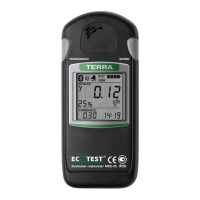
During the data communications the radiometer can operate in the mode of IDU. The
radiometer sends to the PC:
- current measurement results of photon-ionizing radiation DER or surface beta-
particles flux density;
- current value of supply voltage,
as well as receives the commands from the PC to change the measurement modes and to
synchronize the time according to the PC clock.
Should errors occur during data communications with the PC, the “Er03”, “Er04”,
“Er05”, “Er06” or “Er07” symbols appear on the LCD. A short press of the MODE button
returns the radiometer to the mode of control of data communications with the PC.
Press shortly the MODE button of the radiometer to stop the process of connection
establishment with the PC. The “PC” symbols on the LCD stop blinking at that. If the
connection with the PC is established, the data communications with the PC can be stopped
only with the help of the controls of the custom-made software „Computer-aided
programming and operation logging of the dosimeter” („Cadmium-ECOMONITOR”).


 To Next Page
 Loading...