EasyManua.ls Logo

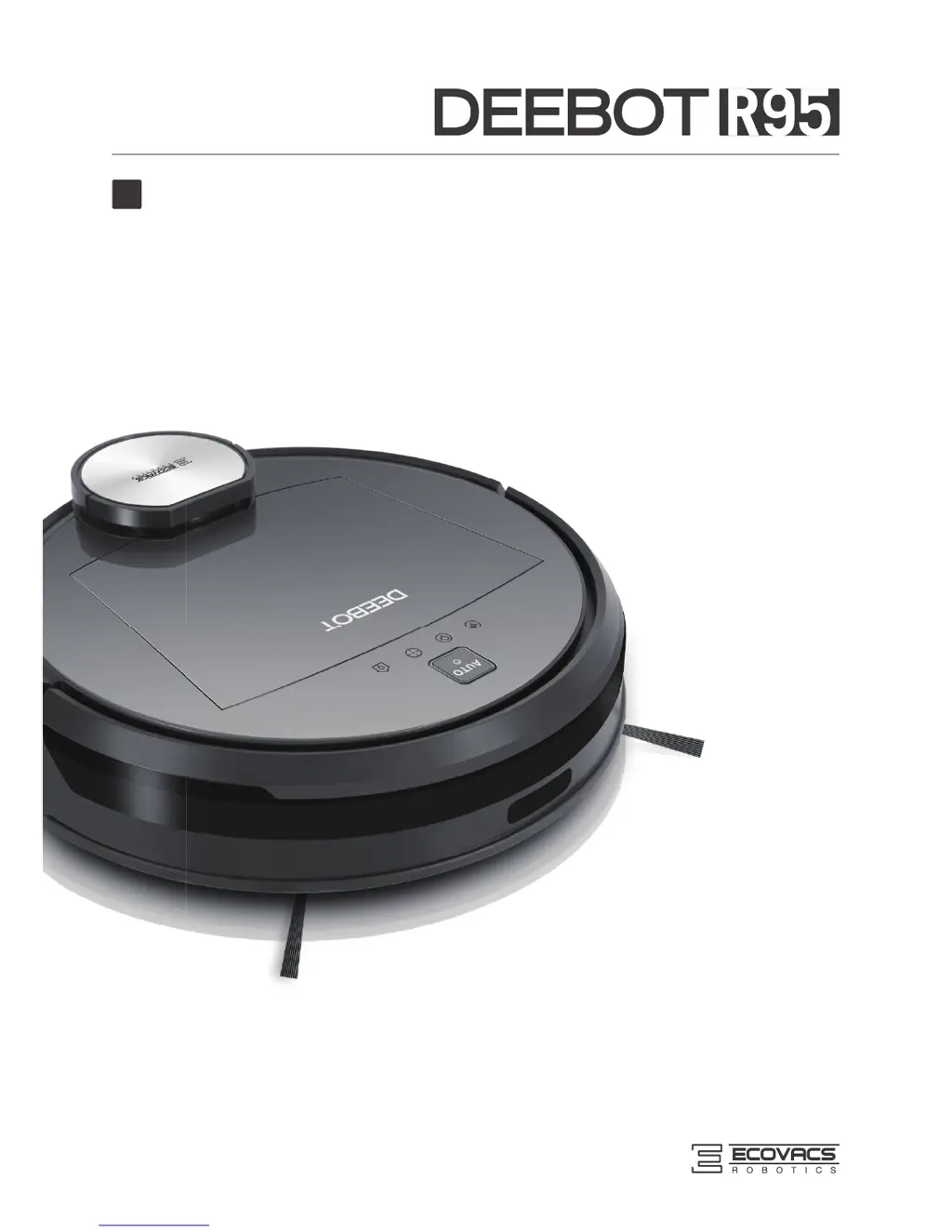
ECOVACS DEEBOT R95 - User Manual

ECOVACS DEEBOT R95
28 pages
Print Icon
To Next Page IconTo Next Page
Loading...
Instruction Manual
EN

Questions and Answers

  • K
    Kevin GrantJul 27, 2025
    What to do if my ECOVACS Robotics DEEBOT won't charge?
    • G
      George WardJul 27, 2025
      If your ECOVACS Robotics DEEBOT is not charging, there are several potential reasons. First, ensure the DEEBOT is powered ON. Check that the robot's charging contacts are properly connected to the charging dock pins; manually adjust the robot's position if needed. Make sure the charging dock is plugged in while the DEEBOT is powered ON. If the battery is completely discharged, try reactivating it by placing the DEEBOT on the charging dock by hand, removing it after 3 minutes, and repeating this process 3 times before charging normally.
  • J
    John JacobsonAug 3, 2025
    Why is my ECOVACS DEEBOT R95 DEEBOT not connecting to Wi-Fi?
    • N
      nguyenjeffreyAug 3, 2025
      If your ECOVACS Robotics DEEBOT is failing to connect to your home Wi-Fi network, several factors could be the cause. Double-check that you've entered the correct Wi-Fi username and password. Ensure the DEEBOT is within range of your home Wi-Fi signal. If the network setup was initiated before the DEEBOT was ready, turn the power switch ON, then press the RESET button using a needle until the DEEBOT plays a musical tune and the Wi-Fi indicator light flashes slowly. Also, ensure your smartphone’s operating system is updated, as the ECOVACS app requires iOS 9.0 or above, or Android 4.0 or above.
  • D
    Daniel CookAug 11, 2025
    Why won't my ECOVACS DEEBOT R95 DEEBOT clean at the scheduled time?
    • A
      Arthur BowmanAug 11, 2025
      If your ECOVACS Robotics DEEBOT isn't cleaning automatically at the scheduled time, it could be due to a few reasons. The scheduled cleaning time may have been cancelled. Also, ensure that the DEEBOT is powered ON. Keep the DEEBOT powered ON and on the Charging Dock to ensure it has a full battery. If the DEEBOT’s components are tangled with debris, power OFF the DEEBOT, clean the Dust Bin, invert the robot, and clean the Side Brushes and the Main Brush.
  • W
    wmataAug 18, 2025
    What to do if ECOVACS Robotics DEEBOT gets stuck and stops?
    • M
      Melanie PriceAug 18, 2025
      If your ECOVACS Robotics DEEBOT gets tangled with something on the floor, such as electrical cords, curtains, or carpet fringe, and stops working, the DEEBOT will attempt to free itself. If it remains stuck, manually remove the obstacles and restart the device.

Summary

Important Safety Instructions

Package Contents and Technical Specifications

Package Contents

Lists all items included in the product package.

Specifications

Details technical specifications such as voltage, power, and battery type.

Product Diagram

Illustrates the robot's components and the control panel with labels.

Operating and Programming

Notes Before Cleaning

Provides essential pre-cleaning advice and warnings for optimal operation.

Quick Start

Guides users through initial setup steps: charging dock placement and brush installation.

Cleaning Mode Selection

Explains how to select different cleaning modes using the app or robot.

Programming the Robot

Details scheduling cleaning times using intelligent and time-based scheduling via the robot or app.

Additional Settings

Covers Virtual Boundary setup and the Continued Cleaning function with Do Not Disturb option.

Optional Advanced Wet;Dry Mopping System

Explains how to attach and use the optional wet/dry mopping system.

Voice Reporting

Lists voice reports and their corresponding situations or solutions for troubleshooting.

Maintenance

Dust Bin and Filters

Provides instructions on cleaning and maintaining the dust bin and its filters.

Advanced Wet;Dry Cleaning Cloth and Advanced Wet;Dry Reservoir

Details the maintenance of the wet/dry mopping system components.

Main Brush and Side Brushes

Explains how to remove, clean, and maintain the main brush and side brushes.

Other Components

Guides on cleaning and maintaining other robot parts like wheels and sensors.

Troubleshooting

ECOVACS DEEBOT R95 Specifications

General IconGeneral
ModelDEEBOT R95
TypeRobotic Vacuum Cleaner
Suction Power1000 Pa
Battery TypeLithium-ion
Battery Capacity2600 mAh
Operating Time110 minutes
App ControlYes
Water Tank Capacity300 mL
Mopping SystemYes
Mopping FunctionYes
Noise Level65 dB
Filter TypeHigh-Efficiency Filter
Wi-Fi ConnectivityYes
Cleaning ModeAuto, Spot, Edge
Charging Time240 minutes
Dustbin Capacity500ml
Voice ControlYes
FeaturesScheduled Cleaning

Related product manuals