be found in the gateway manual.
When the gateway has configured to
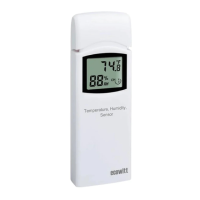
wifi successfully, take the WH32
sensor close to the gateway(keep 5ft
away from each other) and insert
batteries into the WH32 sensor. Wait
for 1-2 minutes, the sensor data will
display on the Live Data page of the
app then.


 To Next Page