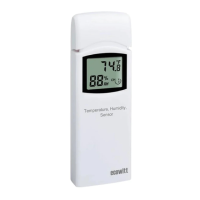
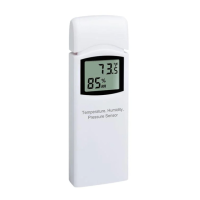
6.1 Replacing an existing sensor
unit
If this sensor is a replacement for a
previous unit, ensure the previous unit is
powered down and follow the steps
below:
1. Insert the batteries to power up the
new sensor unit.
2. Open the WS View app – select
Device List on Menu – select your
device to enter Live Data page -
Click More button – select Sensor
ID.


 To Next Page