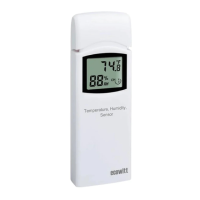
3. Find the WH32 sensor picture and
click Re-register.
4. After 1-2 minutes, the new sensor ID
will displayed.
5. Back to the Live Data page and the
new sensor data should display
there.
It is best to always do this in the vicinity
of the Wi-Fi Gateway to rule out distance
or signal interference effects, and to
move the unit to the final location once
correct configuration is confirmed.


 To Next Page