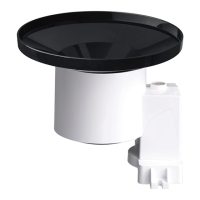
4.2.3 Install Batteries in rain gauge sensor
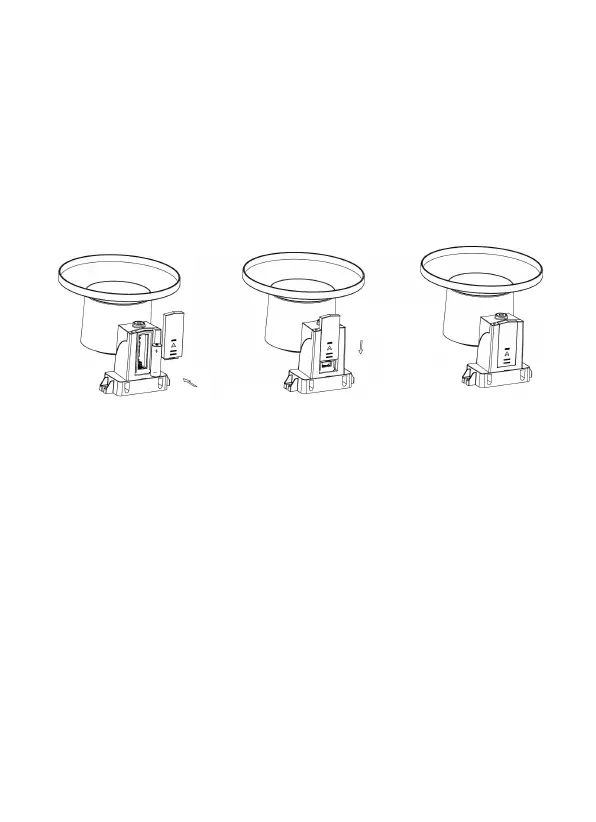
Remove the battery door on the back of the sensor by
sliding it in the direction of the arrow. Insert one AA
battery as described and put compartment door back and
slide it in the opposite direction to lock.
Figure 4: Rain gauge sensor battery installation
diagram
The LED indicator on the top of the battery door (item 2)
will turn on for 4 seconds and then flash once every 49
seconds indicating sensor data transmission. If you did
not pay attention, you may have missed the initial
indication. You can always remove the batteries and start
over, but if you see the flash once every 49 seconds,
everything should be OK.
Note: If no LED light up or is lighted permanently,
make sure the battery is inserted the correct way
or a proper reset is happened. Do not install the


 To Next Page