Setting Up eJIFFY
66
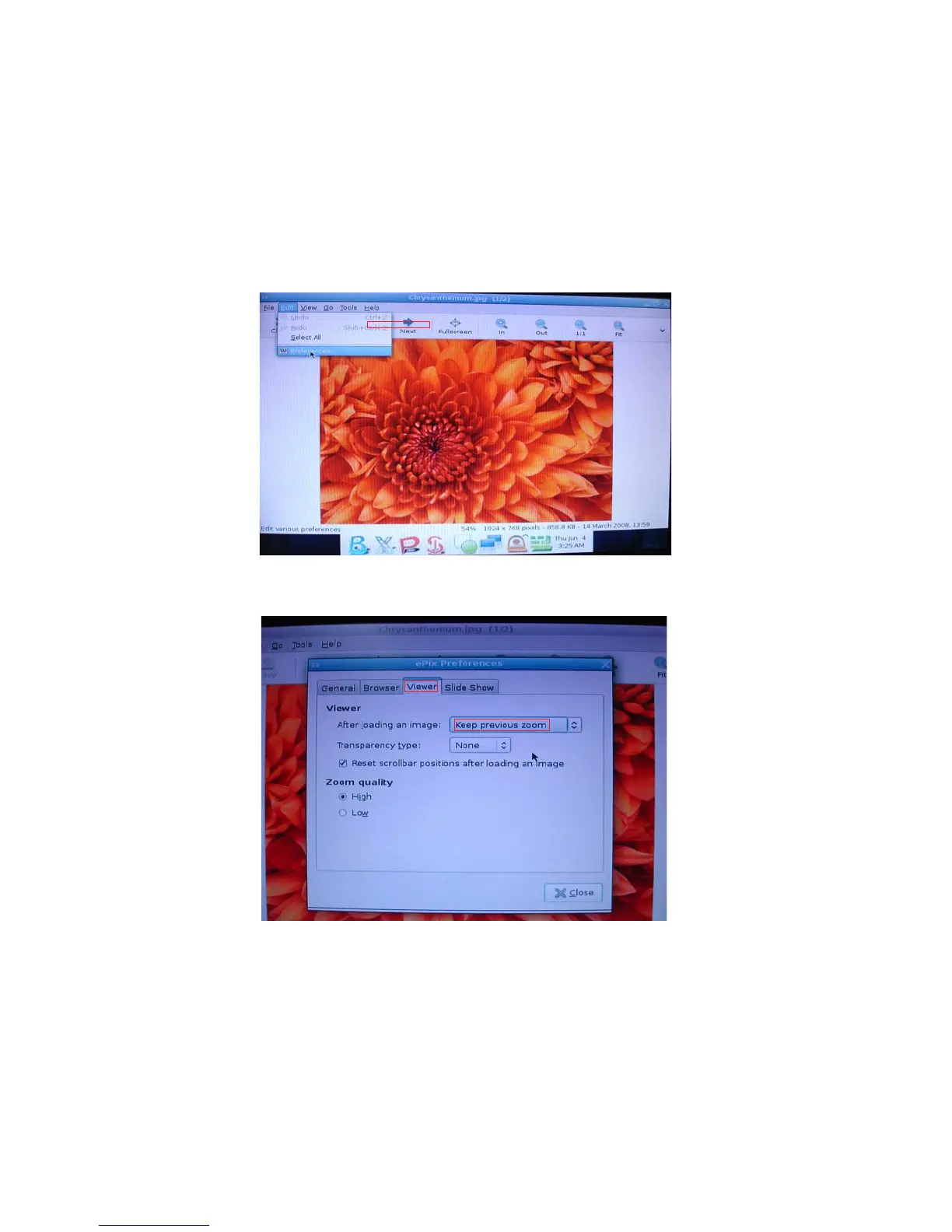
Q2: How to use the fit function under slide show?
1. Click “Edit” and select “Preferences” option from the menu.
2. Click “Viewer” and choose “Keep previous zoom” in “After loading an image”.
Close the window and you can use the fit function under slide show now.
Note: ePix supports to view image files only. It cannot support Office Viewer or
other forms beside image files. Supported image types are: BMP, JPEG, GIF (includ-
ing GIF animations), PNG, TIFF, ICO and XPM.



 To Next Page
 Loading...