ECTACO Partner
®
P850 User Manual
20
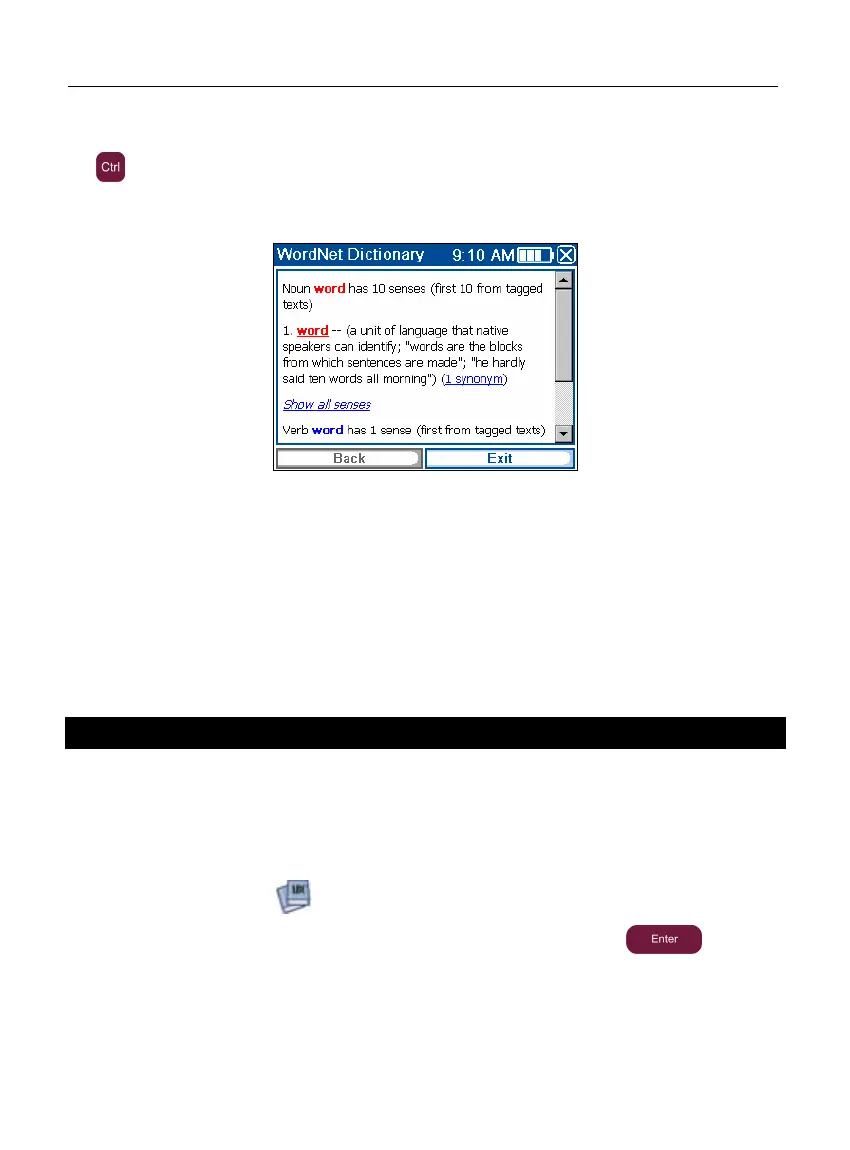
• To obtain definition of an English entry from within Dictionary, hold the stylus down on
the desired entry and then tap Explain in the menu that appears. Alternatively, press
+E.
Note: When viewing entries in the WordNet Dictionary, tap on the underlined items in
blue to follow the corresponding links.
The available pop-up menu items are described below.
• Hold the stylus down on an underlined entry for a second. The pop-up menu will
appear.
• Tap Say to hear the entry pronounced.
• Tap Explain to look it up in the WordNet Dictionary.
• Tap Translate to look it up in the Dictionary.
Note: To go back to the last page you viewed, tap Back.
Audio PhraseBook
ECTACO Partner
®
P850 substitutes for an interpreter in standard situations such as
registering at a hotel, shopping, visiting bank etc. You simply choose the appropriate
phrase and the device will pronounce its translation.
Basics
• In the Main Menu, tap or press 1 to open the Dictionaries section.
• Tap the application name. Alternatively, highlight it and then press . The
application will open and you will see the topics window.
For easy reference, the phrases are arranged by topics.
• To open a topic or subtopic, tap the corresponding item.



 To Next Page