CPL8-CPM-4-8-10-I-0416
Page 12
800-638-3326 • edcoinc.com • sales@edcoinc.com
EQUIPMENT DEVELOPMENT CO., INC.
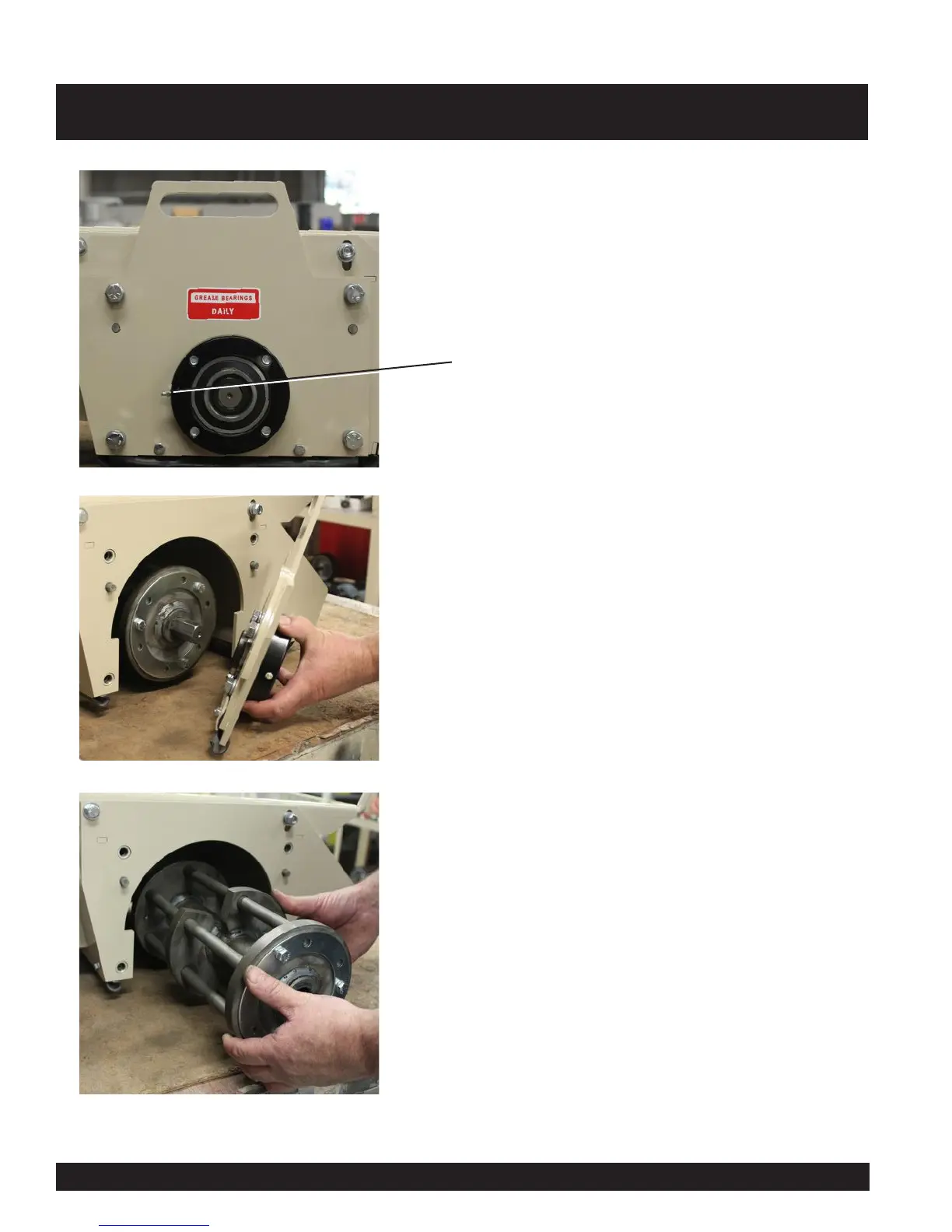
To remove or replace the drum assembly on the CPM-10
remove the four (4) bolts circled securing the bearing plate
in the photo on the left .
NOTE: Bearing grease point.
CPM-10 DRUM REMOVAL / REPLACEMENT
Next remove the bearing plate as shown in the photo on the
left.
Slide the drum out as shown in the photo on the left.
Reverse procedure to reassemble.



 To Next Page