EN
9
Installation manual: Electrical connection and Starting up
5. Connectivity
This appliance has a Wi-Fi function which allows it to be actuated or programmed remotely via
your smartphone or tablet.
To enable this, the following accessories are required:
• An Internet router or hub
• The Cozytouch application, compatible with IOS and Android.
Free download from app stores
After the application is installed, ensure you have the ID and password for your Internet
router or hub and open the Cozytouch application. Follow the step-by-step instructions to create your
account and then pair your appliance.
Once the procedure is complete (as stated in the application installation procedure), check the inbox for
the email account used for registration to activate your user account. You can then log in and access all
of our services.
IMPORTANT: during the pairing process:
Please ensure your smartphone (or tablet) is left near your water heater
Your product will beep several times (this is completely normal)
NOTE: The Wi-Fi signal in the area where your product is installed must be suf ciently strong. If necessary
(signal too weak or unavailable), we recommend that you install a Wi-Fi repeater.
DECLARATION OF CONFORMITY - RED DIRECTIVE 2014/53/EU (*)
ECET hereby declares that the equipment speci ed below meets the requirements stipulated by the RED
Directive 2014/53/EU.
The full EU declaration of conformity for this equipment is also available on request, from our after-sales
service (see the back of this manual for details and address).
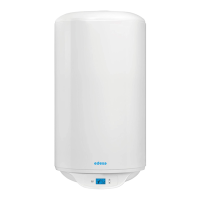
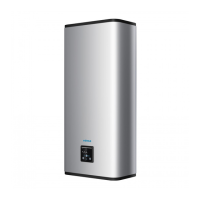
Designation: Flat wall-mounted electric water heater and S4 wall-mounted electric water heater
Models: 25, 40, 65, 80 L for the Flat range and 75, 100, 150 L for the S4 range
Speci cations:
Radio frequency bands used by the Transmitter-Receiver: Wi-Fi 2.4G: 2400 MHz to 2483.5 MHz
Maximum radio frequency output: <20 dBm
Class 2 equipment: can be marketed and commissioned without restriction
Radio range: from 100 to 300 metres in a free eld, variable according to the associated equipment
(the range may be affected by the installation conditions and the electromagnetic environment).
Software version: U0608308 for the at range and U0621574 for the S4 range
Compliance with the Radio and Electromagnetic Compatibility standards has been checked by the
following noti ed body:
0536 – Emitech, Juigné Sur Loire, France
(*) Radio Equipment Directive
iOS version 9.0 minimum Android version 4.1 minimum


 To Next Page