4 Read Me
4 Safety Warning & Caution
5 Safety Guidelines
6 At a Glance
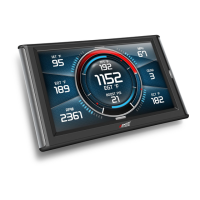
6 Physical Overview - The Display
7 Accessories
8 Touch Screen Gestures
9 Menu Icons
9 Common Terms
10 Getting Started
10 Download the Ignition Update Software
11 Using the Ignition Update Software
12 Cable Installation
12 Windshield Mount Installation
13 Installing the Display
14 Display Set Up
14 OEM Selection Menu
15 Entering the Quick Link Menu
16 Entering the Pull Down Menu
17 Changing the Default Background Image
18 ConguringtheHomeScreens
20 Using the Switch Screen - Toggle Switches
22 Individual Gauge Setup
23 Calibrating Pitch, Roll, & G-Force Gauges
24 Download and Install MyStyle Software
25 Adding Custom Background Images
26 Performance Tuning
26 Read Me
27 Custom Tuning Process - At a Glance
28 Read Vehicle Stock
29 Loading Custom Tunes
31 Programming your Vehicle
32 Settings
32 Accessory Options
36 Vehicle Options - Tire Size
37 Alert Options
38 Sound Duration - Alerts
38 Backlight Auto dim
39 Menu Time out
39 Units
39 Factory Reset
Table of Contents



 To Next Page