7
English
8
English
↑
Wireless setup and pairing Wireless setup and pairing
Overview
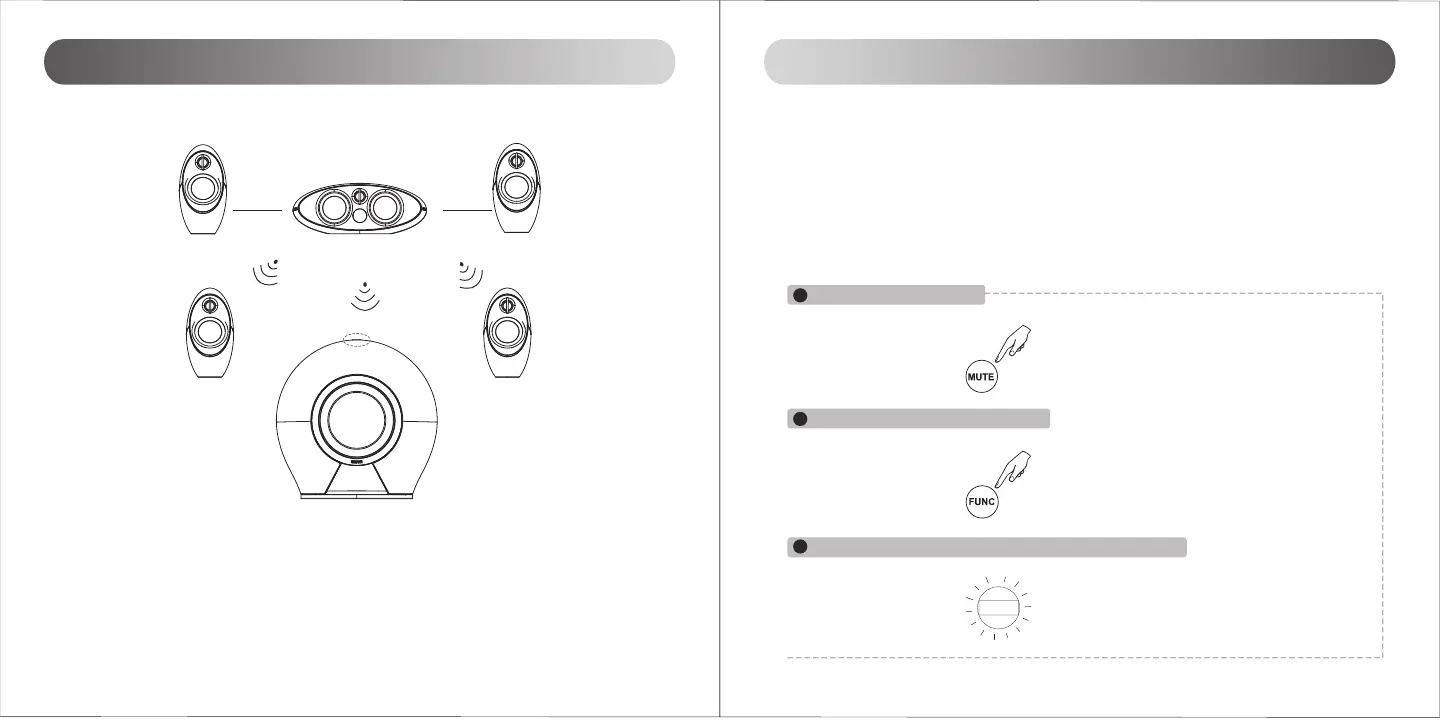
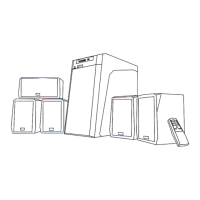
Wireless connection diagram
Note:
The transmitter and receivers will establish wireless connection only when they are paired.
Receivers can only be paired with transmitters not with another receiver.
Indicator
Wireless connection is automatically restored whenever speakers are powered on. In case
the connection is lost or speakers are replaced, please refer to the following steps to pair
again:
Pairing the surround speakers and subwoofer
1. Please make sure all the wireless speakers is no more than 10 meters away from the central speaker
(transmitter)
2. Put the transmitter (center speaker) into pairing mode:
OPT1
12
P
2
3
1
Press MUTE key on remote control
Press and hold the “FUNC” key on remote control
And the “P” icon flashes continuously on the display screen of center speaker



 To Next Page