English
UP
INPUT
L SPK
DC 8V
POWER
DOWN
VOLUME
L SPK
THE AUDIO ARTIST
MP210
THE AUDIO ARTIST
MP210
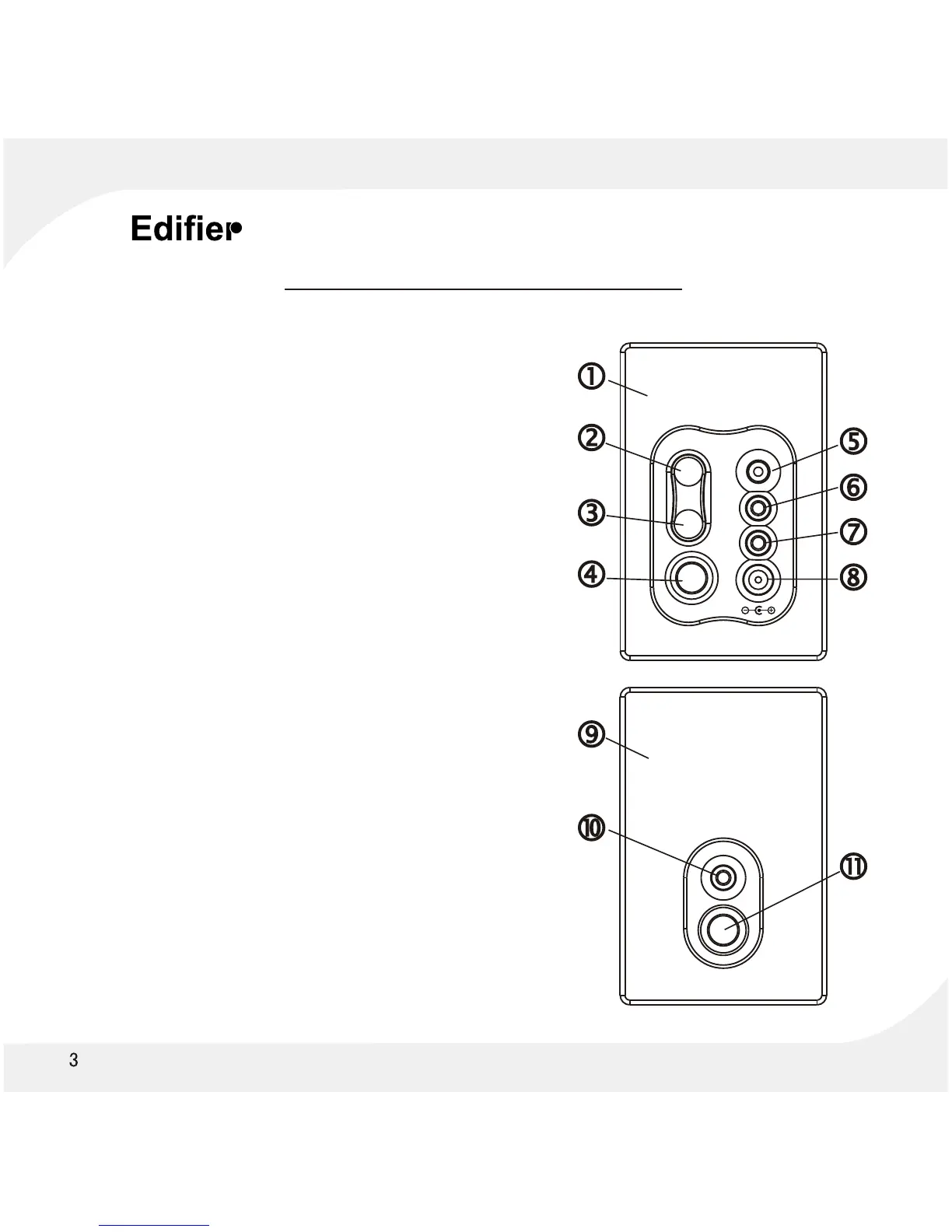
Figure and Function Description
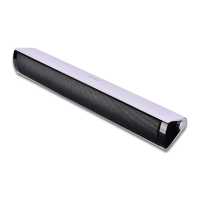
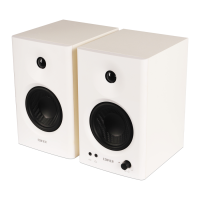
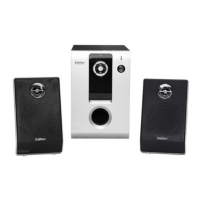
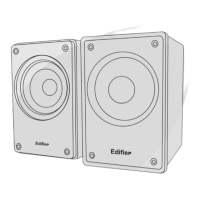
1 Active Speaker
2. Up (Volume up key)
Press this key to increase Volume.
3. Down (Volume down key)
Press this key to decrease Volume.
4. Active and Non-active speaker socket.
5. Power (Turn on / Stand by)
Press this key down to switch speaker ON.
Press this key up to place speaker on Stand By.
6. Input (Audio signal input socket)
connects to a Computer Soundcard output,
or other source.
7. L SPK (output to Non-Active speaker).
Amplifier audio signal output to Non-Active speaker.
8. DC 8V (AC power input socket).
9. Non-Active speaker.
10. L SPK (Non-Active speaker audio signal
input socket)
11. Non-Active speaker port


 To Next Page