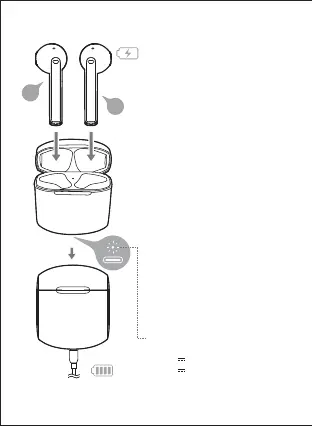
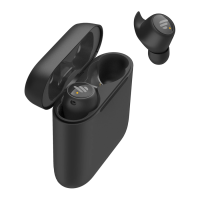
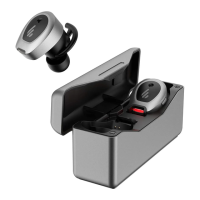
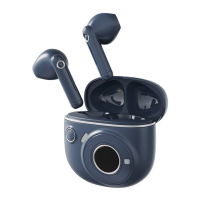
● Charge the earbuds
Warning: The rechargeable batteries that provide power for this product must be
disposed properly for recycling. Do not dispose of batteries in fire to prevent an explosion.
■ User guide
• You may hear a warning tone when at low
battery level, please place the earbuds in
the case for charging.
●
Charge the charging case
Input: 5V 35mA(earbuds)
5V 1A(charging case)
•
If power indicator flashes six times rapidly
when the case is opened, it indicates the
case has a low battery capacity, please
charge it in time.
•
Power indicator steady lit = charging
Power indicator off = fully charged
● Battery level indicator on the
charging case
•
When the charging case is opened/closed,
the power indicator will show the case’s
battery level;
if flashes three times slowly: full battery level;
if flashes twice slowly: medium battery level;
if flashes once slowly: low battery level;
if flashes six times rapidly: battery level is less
than 10%
• Power indicator (next to the charging port)
R
L



 To Next Page