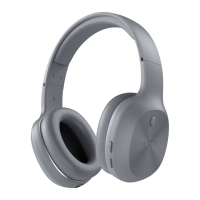
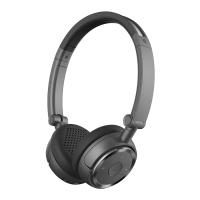
Volume increase/next track
Volume decrease/previous track
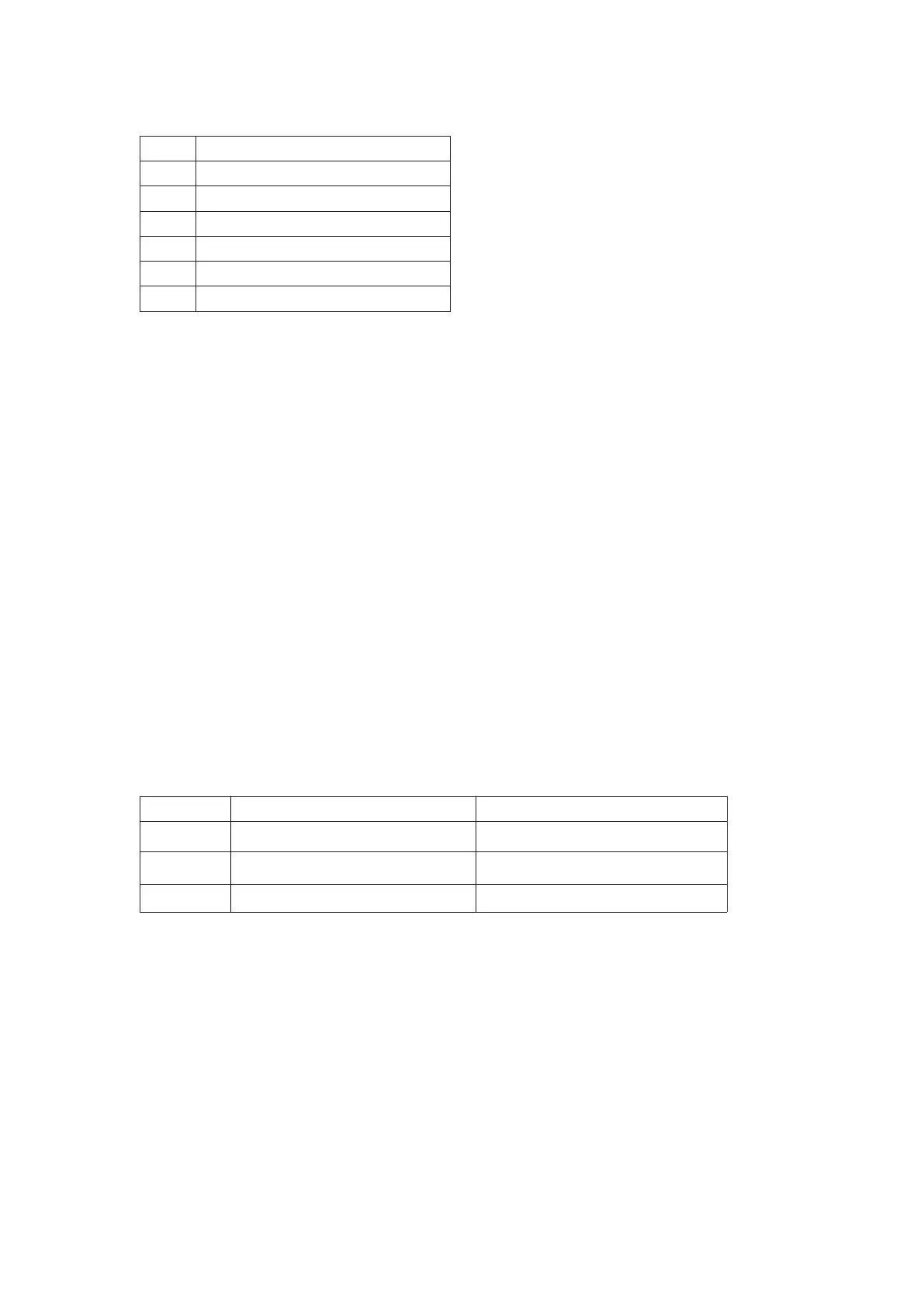
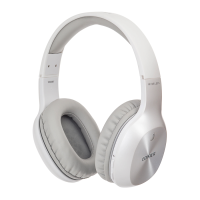
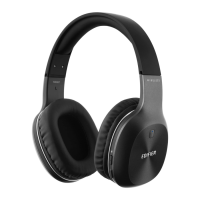
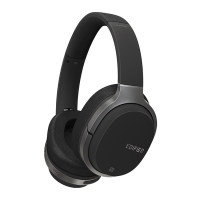
Box content :Headphoneⅹ1 3.5mm audio cableⅹ1 USB charging cableⅹ1
User manualⅹ1
■ Operation
1. Recharging
During use, when you see red light flashing, it means the battery is low and you need to recharge the
headphone.
Red light on = Charging Red light off = fully charge
Recharging time: approx 3 hours.
Tips: W806BT headphone take a special design with short micro USB connect port based on the PCBA
requirement, it is normal that the some plug part exposing out when in charging.
Warning: The rechargeable batteries providing power for the product must be
properly disposed for recycling. Do not place the batteries into fire to prevent
explosion.
2. On/Off
Pressand holdMFB key forabout3 seconds
Pressand holdMFB key forabout3 seconds
Pressand holdMFB key forabout5 seconds
Redandbluelight
flashing alternately
3. Pairing
(1)
Power on the headphone, press and hold the multi-function key for about 5 seconds until red and
blue lights flash alternately, the headphone enter into
pairing status.
(2)
Enable Bluetooth function on your mobile phone and search for Bluetooth devices. Select “EDIFIER
W806BT” to pair and connect. When successfully connected, the blue light of the headphone flashes
slowly and the headphone
has a prompt tone.


 To Next Page