2
II. Installation
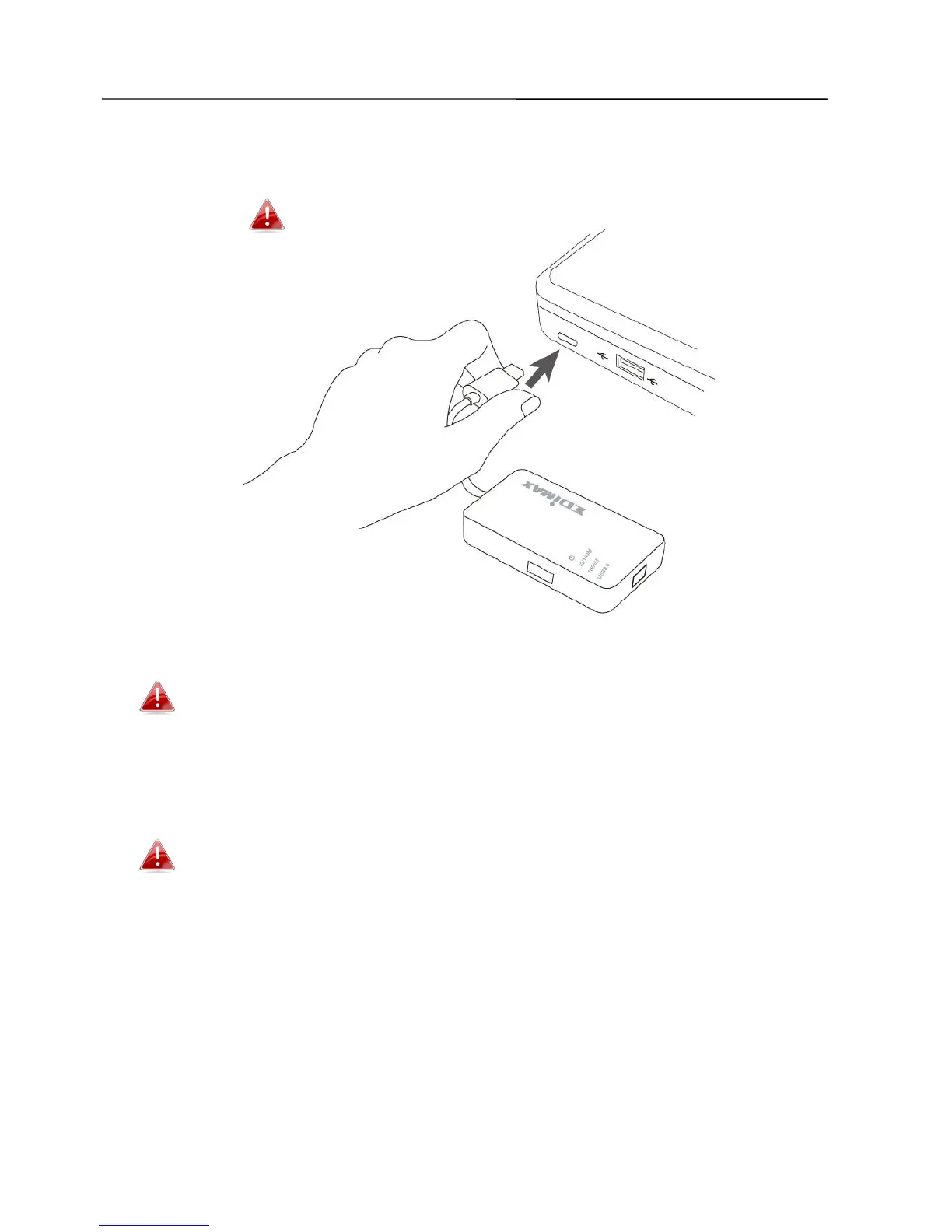
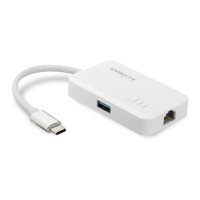
1. Switch on your computer and connect the Ethernet Hub to an available
USB type C port of your computer.
Never use force to insert the USB adapter.
2. Insert the included CD-ROM into the CD drive of your computer.
The setup wizard is also available for download from the Edimax
website.
3. For Windows users the setup wizard will open. For Mac users the CD’s
“Mac” folder will open.
If the CD doesn’t auto-run or if you downloaded the setup wizard,
please browse to the “Autorun” or “Mac” folder of the CD for
Windows or Mac users respectively.
4. Please follow the instructions in the appropriate chapter for your
operating system.


 To Next Page