4
I-3. Connections
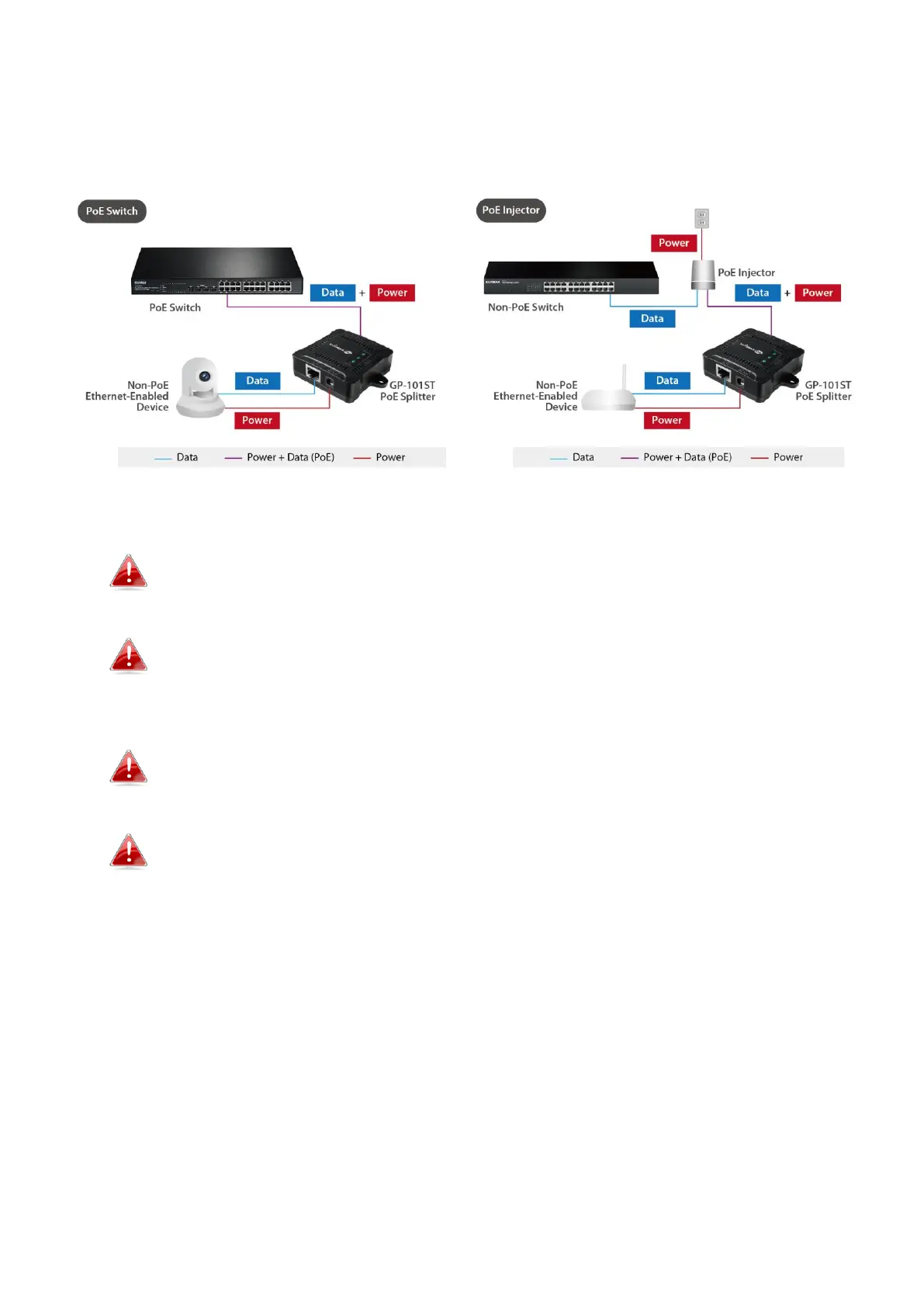
Connect the splitter as shown below:
Use a standard Ethernet cable to connect a PoE port of the PSE
(e.g. PoE Switch) to the POWER+DATA IN port.
Choose the appropriate DC output by the Power-mode switch,
Please make sure that the output is correct, a different voltage
may destroy the device.
Connect the LAN OUT port to the Ethernet device with standard
Ethernet cable for data transmitting.
Connect the DC OUT port to the power port of the same Ethernet
device with the provided power cable.



 To Next Page