EasyManua.ls Logo

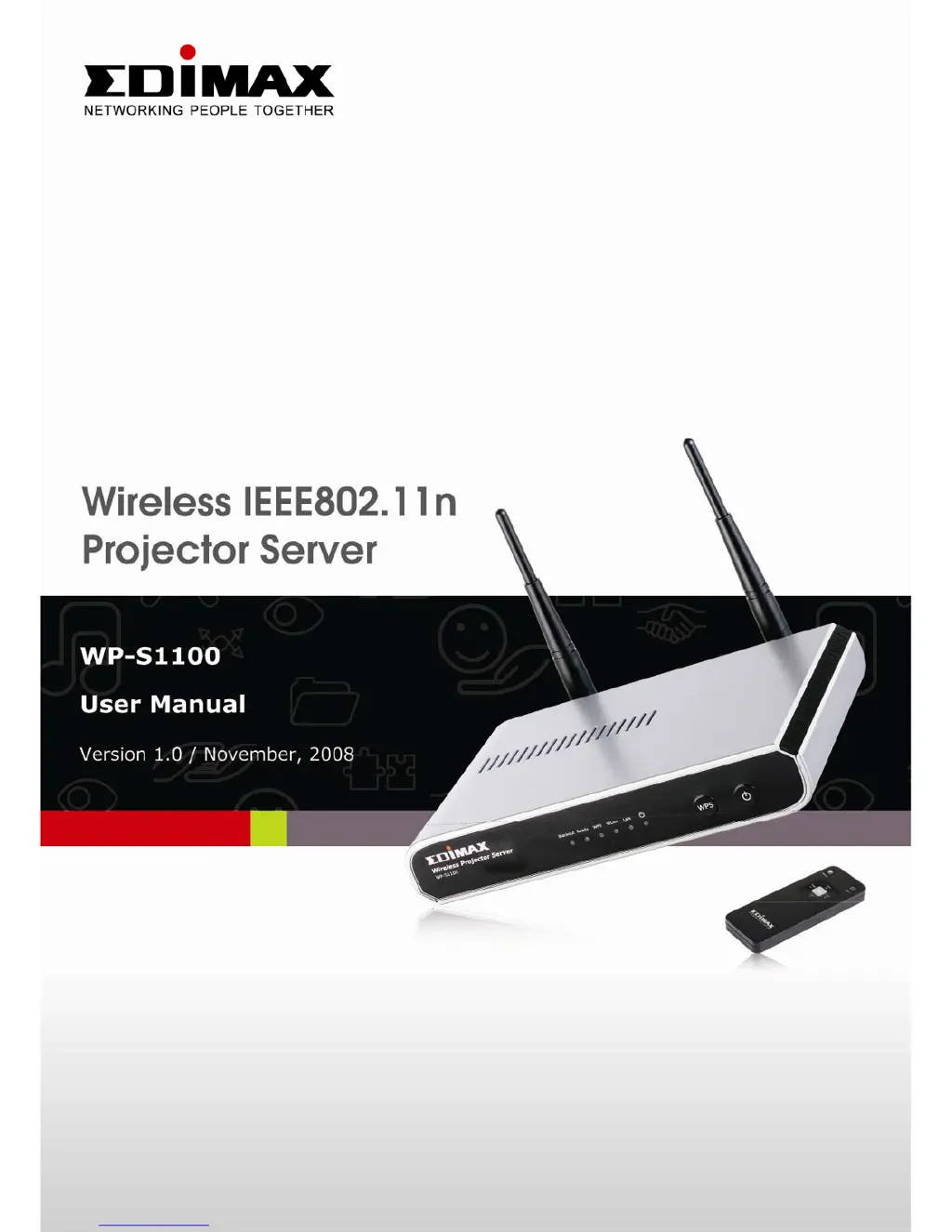
Edimax WP-S1100 - User Manual

Edimax WP-S1100
88 pages
Print Icon
To Next Page IconTo Next Page
Loading...
1

Questions and Answers

  • J
    Joyce SchmidtAug 11, 2025
    Why can't I connect to my Edimax WP-S1100 Server?
    • R
      robertbenjaminAug 11, 2025
      If you're unable to connect to the Edimax Server, there might be a few reasons. First, check the LED lights on the front. If the 'Power' LED isn't lit, ensure the power adapter is properly connected and the outlet is working. Press the power button to see if the 'Power' LED illuminates. Also, verify the network connection, IP address, SSID (if using wireless), and WEP/WPA password (if using wireless). If the 'Ready' LED doesn't light up after 2 minutes, contact your dealer.
  • C
    campbelldavidAug 18, 2025
    What to do if Edimax WP-S1100 Server remote controller does not work?
    • M
      Michael PenaAug 18, 2025
      If the remote controller for your Edimax Server isn't working, try these steps: * Replace the battery with a new CR-2032 lithium battery. * Point the IR transmitter on the remote towards the front panel of the server. * Ensure nothing is blocking the IR receiver on the server (labeled ‘Remote’). * Strong light sources may interfere, so try dimming the lights. * Ensure you are within 7 meters of the server.
  • D
    Daniel MahoneyAug 26, 2025
    What to do if nothing is displayed on Edimax WP-S1100 Server’s display?
    • Q
      qwarrenAug 26, 2025
      If nothing is showing on the display of your Edimax Server, try the following: * If you’re using the ‘Black out’ function, resume it (the ‘Blackout’ LED will light up). * Check the connection between the video display and the projector server. * If your video display has multiple video modes/sources, ensure you've selected the correct one. * Verify you've selected the correct video output type (HDMI or VGA). * Confirm your video display supports the selected video output mode (in VGA mode). * Ensure the video display is switched on.
  • S
    Sandra NelsonSep 2, 2025
    Why do I hear a sound when Edimax Server is switched on?
    • J
      John ThompsonSep 3, 2025
      It's normal to hear a sound when your Edimax Server is switched on because there's a fan inside that starts working. However, if you smell something strange or see smoke, immediately unplug the power adapter (if possible) and return the device to the dealer.

Summary

Product Introduction

Safety Instructions

Provides essential safety guidelines for using the wireless projector server.

Install Wireless Projector Server

Provides step-by-step instructions for physically installing the wireless projector server.

Using Projector Server

Switch the Projector Server On and Check IP address

Guides on powering on the projector server and finding its IP address.

Connect to Projector Server by Wireless Ethernet

Explains how to establish a wireless connection to the projector server.

Set the IP address of the Computer

Details configuring the computer's IP address for network connectivity.

Download and Install Client Software

Instructions for downloading and installing the necessary client software for the projector server.

Configure Projector Server

Appendix

Troubleshooting

Provides solutions for common issues with the projector server.

Edimax WP-S1100 Specifications

General IconGeneral
BrandEdimax
ModelWP-S1100
CategoryServer
LanguageEnglish

Related product manuals