EasyManua.ls Logo

edishine HHSL04A1 - User Manual

edishine HHSL04A1
9 pages
Print Icon
To Next Page IconTo Next Page
Loading...
[Instruction Manual]
SKU:HHSL04A1
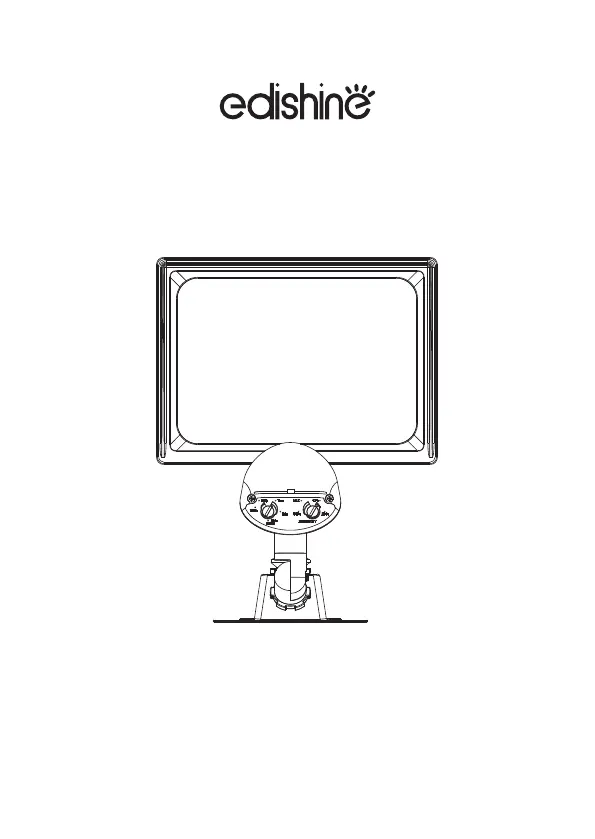
LED Knuckle Motion Sensor Flood Light
Thank you for your purchase.
Please contact us if you have any questions.
We will get back to you within 24 hours.
Please attach your Order ID so that
we can serve you better.
V211026

Questions and Answers

  • T
    Tammy TaylorAug 10, 2025
    Why does my edishine HHSL04A1 come on for no apparent reason at night?
    • D
      Douglas AndersonAug 10, 2025
      The edishine Flood Light might be detecting moving objects like bushes, trees, traffic, or water. Ensure the sensor isn't picking up these movements. If this doesn't solve the issue, test the motion sensor by covering the front lens with cardboard. If the light turns off, something in the detection zone is triggering the sensor. Try repositioning the motion sensor or adjusting its sensitivity.
  • D
    Dana HarrisAug 18, 2025
    Why does my edishine HHSL04A1 cycle ON and OFF continuously?
    • R
      ronaldmasonAug 18, 2025
      The Dusk-to-Dawn sensor on your edishine Flood Light may be sensing reflected light. Try changing the position of the light head to aim it away from reflecting surfaces. If that doesn't work, try covering the Dusk-to-dawn sensor with a small piece of black electrical tape. As a last resort, relocate the security light to a different location to avoid reflected light.
  • A
    Adrian PetersonAug 26, 2025
    Why does my edishine HHSL04A1 come on during the day?
    • L
      Lawrence MartinezAug 26, 2025
      Your edishine Flood Light might be turning on during the day because the Dusk-to-Dawn sensor is in a shaded area, which tricks it into thinking it's nighttime. To test this, shine a flashlight onto the light sensor. If the light turns off, you'll need to relocate the security light to a brighter area. If shining a light doesn't work, the Dusk-to-Dawn sensor may be faulty, and if it's under warranty, contact Customer Service.
  • M
    mistylynchSep 2, 2025
    How to fix edishine HHSL04A1 Flood Light that does not come on at night when Motions detected?
    • D
      Darlene BrownSep 2, 2025
      If your edishine Flood Light isn't turning on when motion is detected, first check that the circuit breaker and/or wall switch are on to ensure power is being delivered to the fixture. Also, make sure that another light source isn't causing the security light to think it is daylight by turning off surrounding lights or re-aiming the sensor head. Finally, after turning the power off to the fixture, check the wiring inside the electrical box and reconnect any loose wiring.

Summary

Proposition 65 Warning

California Proposition 65 Chemical Warning

Warning about potential exposure to chemicals like lead during product use.

Installation Safety Warnings

General Installation Safety Precautions

Essential safety guidelines to prevent shock or fire hazards during installation.

Installation Instructions

Operating Instructions and Controls

Motion Sensor Testing Procedure

Steps to test the motion sensor's functionality and response time.

Timer Control Adjustment

How to set the duration the light remains on after motion detection.

Dusk-to-Dawn Sensor Function

Explanation of the automatic operation based on ambient light levels.

Sensitivity Level Configuration

Guide to adjust the motion detection range and distance.

Sensor Head Positioning

Instructions for aiming the motion sensor for optimal coverage.

Manual Override Operation

How to manually activate or deactivate the light using the wall switch.

Care and Maintenance

Troubleshooting Common Issues

Product Specifications

Package Contents List

Limited Warranty Information

edishine HHSL04A1 Specifications

General IconGeneral
Brandedishine
ModelHHSL04A1
CategoryFlood Light
LanguageEnglish